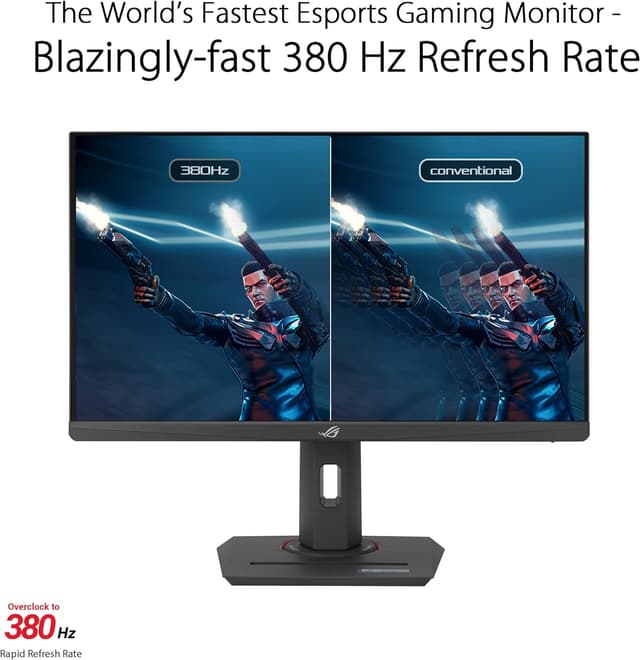
For pure competitive FPS this is the one to beat: a Fast IPS panel overclocked to 380Hz with a rated 0.3ms minimum response, and ELMB Sync that runs backlight strobing and variable refresh together. Nothing else under $300 combines this much refresh headroom, this little motion blur, and this low latency in one esports-tuned package.
380Hz overclocked refresh ceilingRated 0.3ms minimum GtG responseELMB Sync runs strobing and VRR together1080p looks soft up close on a 24.5" panelSustaining 380fps needs a strong GPU and light settings
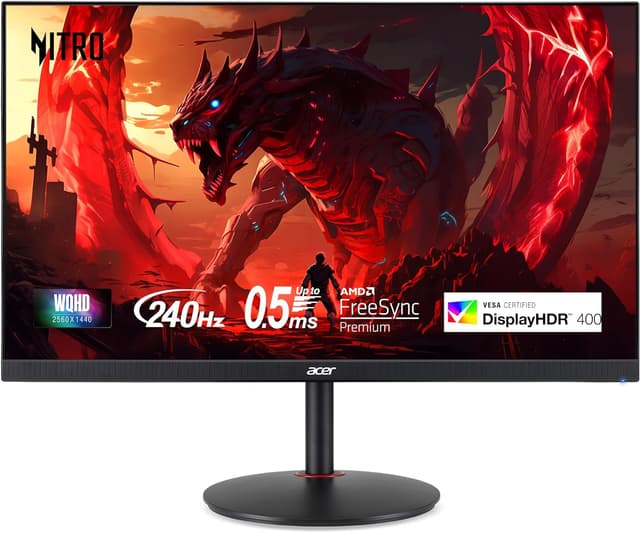
The best all-round competitive buy. You keep a 240Hz ceiling for high-frame-rate shooters but move up to a sharp 27" 1440p IPS panel, and it regularly sells under $200, an amount of performance and resolution per dollar the 1080p field cannot match. The 0.5ms VRB mode keeps fast motion clean.
1440p sharpness with a 240Hz ceiling0.5ms VRB motion-blur reduction mode99% sRGB coverage for accurate colorIPS contrast is average with no local dimming240fps at 1440p asks for an upper-mid-range GPU
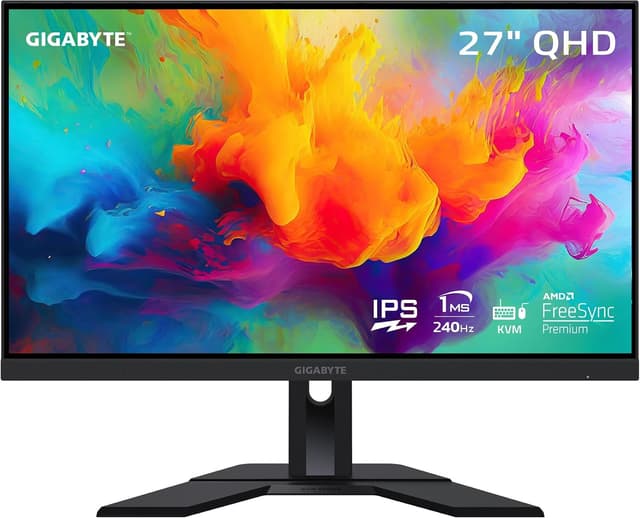
A near-twin to the Acer on gaming specs (27" 1440p Super-Speed IPS at 240Hz with a 1ms MPRT response) that pulls ahead for anyone sharing the screen between a gaming PC and a work laptop, thanks to its built-in KVM and USB-C. It costs a little more than the Acer and has no strobing mode, which is why it lands just behind.
1440p 240Hz Super-Speed IPSBuilt-in KVM and USB-C for a two-device desk92% DCI-P3 wide color gamutDisplayHDR 400 without local dimming is unremarkableUSB-C power delivery is too low to charge larger laptops
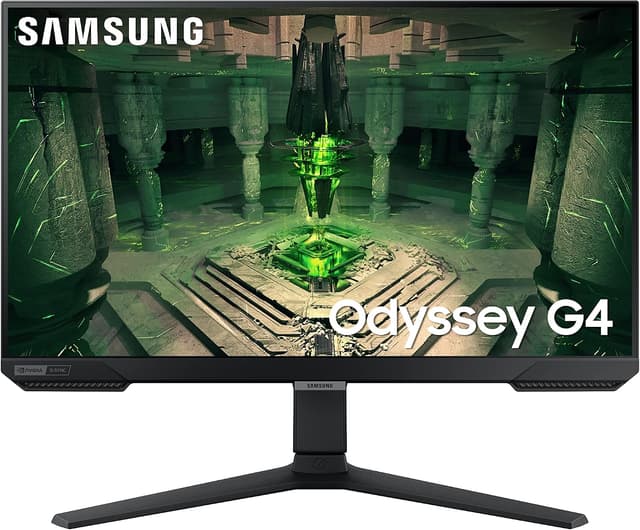
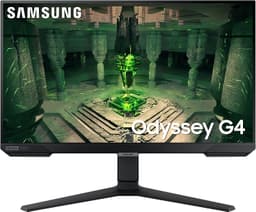
A focused 25" 1080p 240Hz IPS competitive monitor with a 1ms GtG response, dual G-Sync Compatible and FreeSync Premium support, and a fully adjustable stand that rivals at this price usually skip. The smaller screen suits players who want the whole picture in their field of view, but 1080p and no 1440p option hold it below the QHD picks.
240Hz IPS with 1ms GtG responseFully adjustable stand (height / tilt / swivel / pivot)G-Sync Compatible and FreeSync Premium1080p only, no 1440p sharpnessHDR10 is entry-level with no local dimming
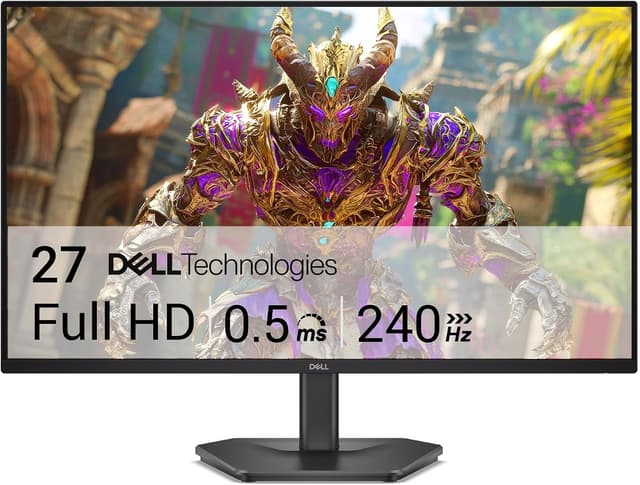
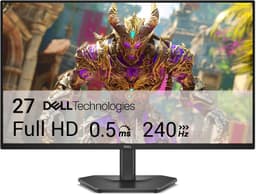
The cheapest credible way onto a 240Hz IPS panel. Dell puts a 27" 1080p IPS at 240Hz with FreeSync Premium and a 0.5ms Extreme mode behind a 3-year warranty, often for around $150. The tilt-only stand, low 1080p pixel density on a 27" screen, and entry-level overdrive are the compromises that keep the price down.
240Hz on a 27" IPS panel at a budget priceFreeSync Premium for tear-free gaming0.5ms response in Extreme mode27" at 1080p means low pixel density (~81 ppi)Tilt-only stand with no height adjustment
Competitive FPS gaming rewards a different monitor than cinematic single-player play. The priority order is refresh rate, motion clarity, and input lag first; resolution, color, and HDR second. Under a $300 cap you cannot max every column, so the smart move is to decide which competitive spec you refuse to compromise on and build from there.
Start with refresh rate, because it sets the ceiling on how many frames your eyes actually see. 240Hz is the sensible baseline for serious play and is where value peaks at this price. The leap from 144Hz to 240Hz is clearly felt when tracking fast-moving targets. Going higher (300Hz, 380Hz) delivers real but diminishing gains, and only pays off if your GPU can sustain those frame rates in the titles you play; a 380Hz panel fed 150fps wastes most of its advantage.
Next, weigh resolution against frame rate. 1080p is easier to drive at extreme frame rates and remains the esports standard, which is why the fastest panels here are 1080p. 1440p looks noticeably sharper for both games and desktop work and is very playable at 240Hz, but only with an upper-mid-range GPU. If raw frames win every argument for you, stay at 1080p; if you want one screen that is crisp for everything, choose a 1440p 240Hz panel.
Panel type matters less than it once did: modern Fast and Super-Speed IPS panels deliver response times low enough for competitive play while keeping wide viewing angles and accurate color, so IPS is the default recommendation over older TN and slower VA at this budget. A backlight-strobing mode (ASUS ELMB, Acer VRB) further sharpens motion for players sensitive to blur, though it lowers brightness and usually cannot run alongside variable refresh except on displays like the XG259QNS.
Finally, treat HDR as a non-factor here: DisplayHDR 400 without local dimming is a checkbox, not an experience. Spend instead on a stand that adjusts to your eye line, a FreeSync Premium range that matches your frame rates, and a warranty you trust. Every pick below clears the competitive baseline; the right one depends on whether you optimize for frame rate, sharpness, or price.
We rank competitive gaming monitors on the specs that decide fast-paced play (refresh-rate ceiling, pixel response and motion clarity, input lag, panel and resolution, and value under the $300 cap) using published manufacturer specifications, measurements from independent expert reviewers, and verified owner feedback. We do not test units in-house. Prices are checked against live retailer listings and can change after publication.
Is 240Hz enough for competitive FPS, or do I need 360Hz+?
240Hz is the practical baseline for serious competitive play and is where the price-to-performance is best under $300. The jump from 144Hz to 240Hz is clearly felt in fast tracking; 240Hz to 360Hz+ is real but subtle and mostly matters to advanced players who can consistently push those frame rates. Buy 360Hz+ (like the 380Hz ASUS here) only if your GPU can actually feed it in the games you play.
1080p or 1440p for competitive gaming under $300?
1080p is easier to run at very high frame rates and is still standard for esports pros, which is why the fastest 360Hz+ panels are 1080p. 1440p looks noticeably sharper and is very playable at 240Hz if you have an upper-mid-range GPU. If raw frame rate is everything, choose 1080p; if you want one monitor that is sharp for desktop and games, the 1440p 240Hz picks are the better all-rounders.
Do I need G-Sync or is FreeSync fine?
FreeSync is fine. Every monitor on this list supports FreeSync Premium, and modern NVIDIA GPUs run it through G-Sync Compatible mode, so you get tear-free variable refresh either way at no extra cost. A dedicated hardware G-Sync module adds price without a meaningful competitive benefit for most players.