Best 4K Gaming Monitors 2026

High-resolution monitors for stunning visual fidelity.

Last updated: February 1, 20265 products tested

Our Top Picks

Best OverallSamsung Odyssey G8 OLED G80SD

Samsung Odyssey G8 OLED G80SD

Samsung

View details →
Best PremiumASUS ROG Swift PG32UCDM

ASUS ROG Swift PG32UCDM

ASUS

View details →
Best ValueMSI MAG 321URX QD-OLED

MSI MAG 321URX QD-OLED

MSI

View details →
Best BudgetGIGABYTE M32U

GIGABYTE M32U

GIGABYTE

View details →

Full Rankings

#1
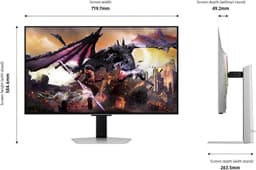
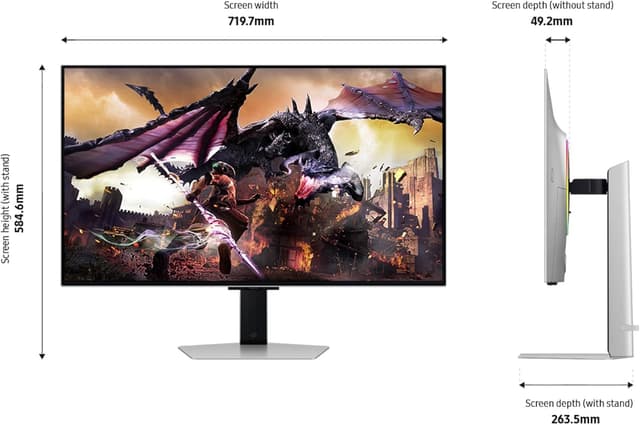
Samsung Odyssey G8 OLED G80SD

Samsung Odyssey G8 OLED G80SD

Best Overall

4K OLED gaming arrives with QD-OLED at 240Hz—the holy grail for gamers wanting both resolution and OLED motion clarity in one package.

Pros

  • 4K 240Hz QD-OLED
  • 0.03ms response
  • Perfect blacks

Cons

  • Very expensive
  • 32" may show OLED burn-in patterns
  • Glossy screen
#2
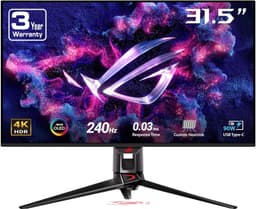
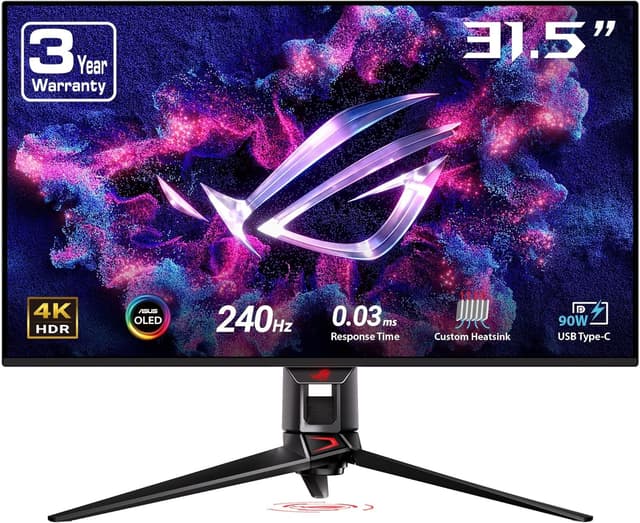
ASUS ROG Swift PG32UCDM

ASUS ROG Swift PG32UCDM

Best Premium

ASUS's flagship pairs 32" 4K WOLED with 240Hz refresh, excellent uniformity, and premium build quality. Custom heatsink extends OLED longevity.

Pros

  • 4K 240Hz WOLED
  • Custom heatsink for longevity
  • Excellent uniformity

Cons

  • Among most expensive
  • OLED burn-in risk
  • Glossy panel
#3
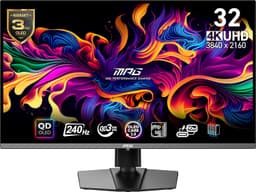
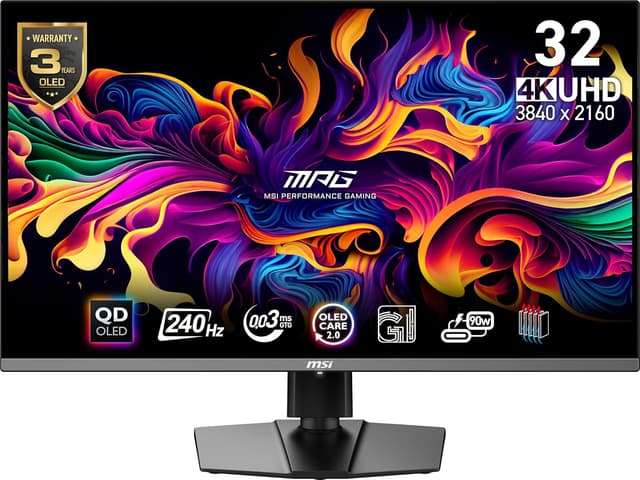
MSI MAG 321URX QD-OLED

MSI MAG 321URX QD-OLED

Best Value

QD-OLED 4K at a competitive price. Flagship visuals with aggressive pricing and USB-C with 98W power delivery for laptop users.

Pros

  • 4K 240Hz QD-OLED
  • Excellent colors
  • Competitive price for OLED

Cons

  • Less premium build than ASUS
  • OLED risks apply
  • 32" only
#4
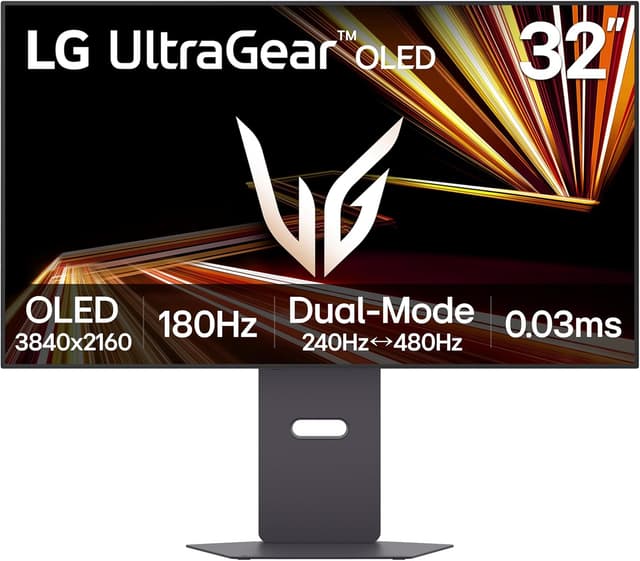
LG UltraGear 32GX870A-B

LG UltraGear 32GX870A-B

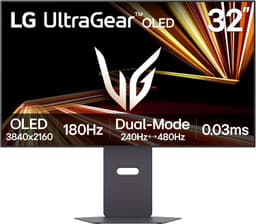
Dual-mode versatility: 4K/240Hz for immersive games or FHD/480Hz for competitive esports. MLA+ delivers 1300 nit brightness with webOS smart features and USB-C 90W charging.

Pros

  • Dual-mode: 4K/240Hz or FHD/480Hz
  • 1300 nit peak (MLA+)
  • DisplayPort 2.1 + USB-C 90W

Cons

  • Expensive
  • OLED burn-in risk
  • FHD mode reduces sharpness
#5
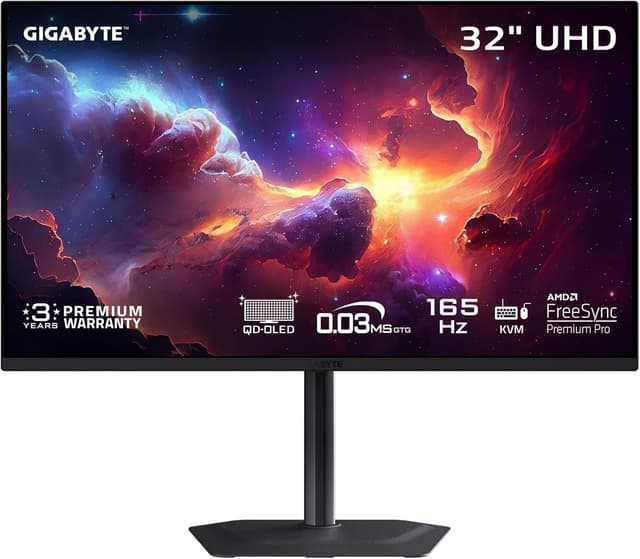
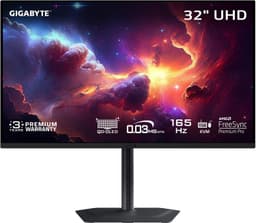
GIGABYTE M32U

GIGABYTE M32U

Best Budget

4K gaming value champion with 144Hz and HDMI 2.1 at a price that makes high-resolution gaming accessible. Built-in KVM switch adds versatility.

Pros

  • 4K 144Hz at great price
  • HDMI 2.1 for consoles
  • KVM switch built-in

Cons

  • No local dimming
  • HDR underwhelming
  • Average contrast

Score Comparison

Product
Image Quality
35%
Speed
25%
Features
20%
Panel Quality
10%
Value
10%
Weighted
Score
Price
#1Samsung Odyssey G8 OLED G80SD
101091089.60$976
#2ASUS ROG Swift PG32UCDM
1010101079.70$1219
#3MSI MAG 321URX QD-OLED
10108999.40$899
#4LG UltraGear 32GX870A-B
1010101089.80$1396
#5GIGABYTE M32U
8887108.10$550

Buying Guide

4K gaming requires powerful GPUs but offers incredible detail. Consider HDMI 2.1 for console compatibility, HDR capability, and whether 144Hz is enough (vs 240Hz at lower res).

What We Evaluate

35%

Image Quality

Resolution and HDR

25%

Speed

Refresh rate and response

20%

Features

HDMI 2.1, VRR, HDR

10%

Panel Quality

Colors and contrast

10%

Value

Features per dollar

Our Testing Methodology

We test 4K monitors for resolution clarity, HDR performance, color accuracy, and gaming responsiveness. Console compatibility via HDMI 2.1 is verified.

Learn more about how we test →

Frequently Asked Questions

Do I need a powerful GPU for 4K gaming?
Yes—4K 144Hz requires RTX 4080/4090 or AMD 7900 XTX class GPUs for demanding titles. DLSS/FSR help but native 4K needs serious power.
Is 4K worth it at 32 inches?
Absolutely. At 32" viewing distance, 4K provides noticeably sharper text and image detail compared to 1440p. The pixel density increase is clearly visible.
HDMI 2.1 vs DisplayPort for consoles?
Consoles require HDMI 2.1 for 4K 120Hz with VRR. PC can use either. The Gigabyte M32U and LG 32GX870A both offer full HDMI 2.1 support.

Related Comparisons