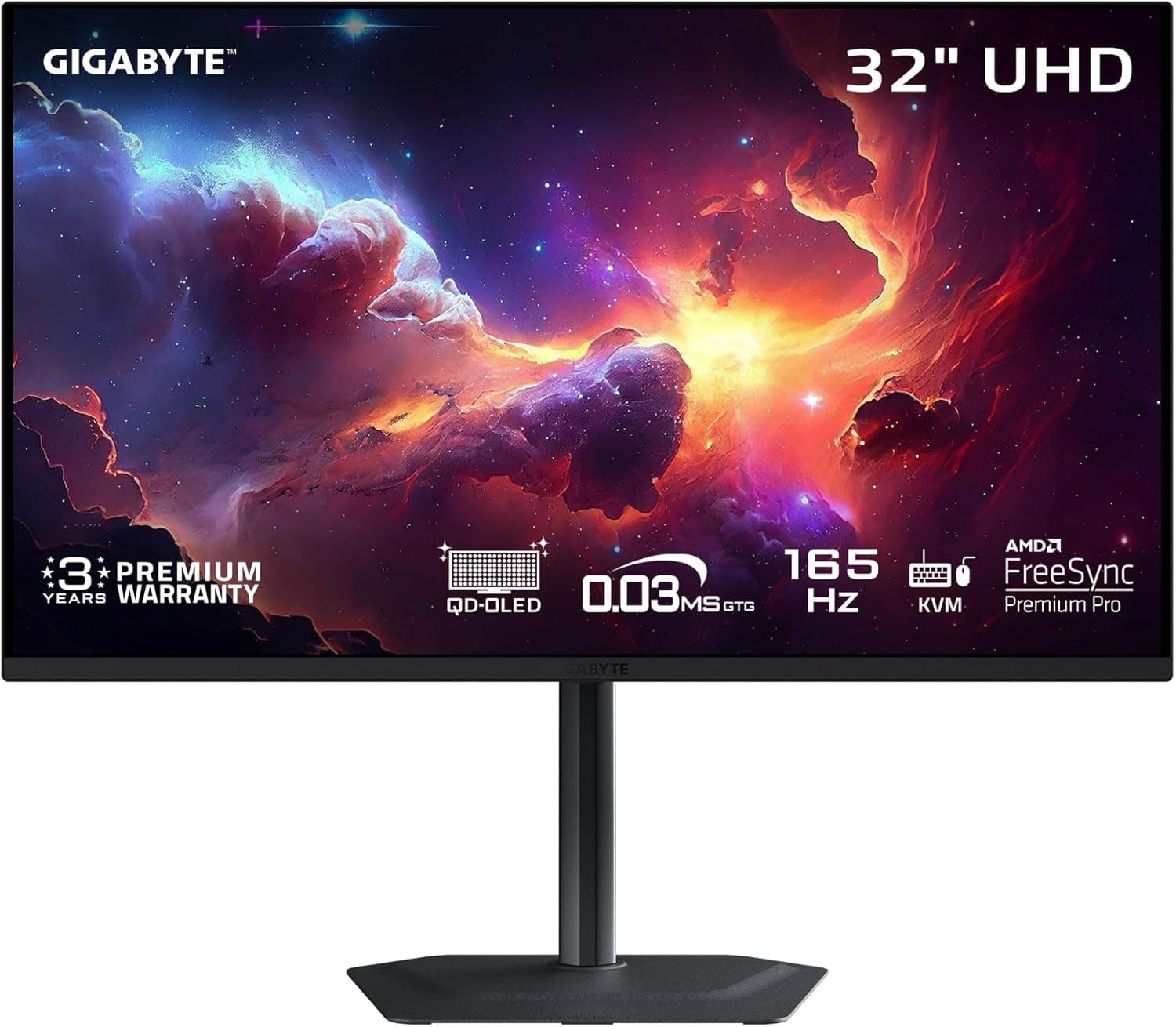
GIGABYTE M32U
4K gaming value champion. The M32U delivers 4K at 144Hz with HDMI 2.1 for consoles at a price that makes high-resolution gaming accessible.
Our Verdict
4K gaming value champion. The M32U delivers 4K at 144Hz with HDMI 2.1 for consoles at a price that makes high-resolution gaming accessible.
Pros & Cons
Pros
- •4K 144Hz at great price
- •HDMI 2.1 for consoles
- •KVM switch built-in
- •Good color accuracy
- •SS IPS panel
Cons
- •No local dimming
- •HDR underwhelming
- •Average contrast
- •Plasticky build
Specifications
| Resolution | 3840x2160 |
| Refresh Rate | 144Hz |
| Panel | SS IPS |
| Response Time | 1ms MPRT |
| HDR | HDR400 |
Quick Answers
What is the resolution of the GIGABYTE M32U?
GIGABYTE M32U resolution: 3840x2160.
What is the refresh rate of the GIGABYTE M32U?
GIGABYTE M32U refresh rate: 144Hz.
What is the panel of the GIGABYTE M32U?
GIGABYTE M32U panel: SS IPS.
What is the response time of the GIGABYTE M32U?
GIGABYTE M32U response time: 1ms MPRT.
What is the HDR of the GIGABYTE M32U?
GIGABYTE M32U HDR: HDR400.
Who is the GIGABYTE M32U for?
It suits budget 4K gaming, console gamers, multi-device users (KVM). It is not the right pick for hDR enthusiasts, premium build seekers, contrast purists.
Who Is This For?
Best For
- Budget 4K gaming
- Console gamers
- Multi-device users (KVM)
Not For
- HDR enthusiasts
- Premium build seekers
- Contrast purists
Where to Buy
Customer Reviews
Alternatives to Consider
LG UltraGear 32GX870A-B
LG
Dual-mode 4K OLED excellence. LG's 32GX870A offers both 4K at 240Hz and FHD at 480Hz modes: switch via hotkey based on your game. MLA+ delivers 1300 nit peak brightness with webOS smart features built in.
Samsung Odyssey G8 OLED G80SD
Samsung
4K OLED gaming arrives. Samsung's G80SD brings QD-OLED to 4K at 240Hz, the holy grail for gamers wanting both resolution and OLED motion clarity in one package.
ASUS ROG Swift PG32UCDM
ASUS
ASUS's flagship 4K OLED. The PG32UCDM pairs a 32" 4K WOLED panel with 240Hz refresh, excellent uniformity, and ASUS's premium build quality and feature set.
Dell G3223Q
Dell
4K gaming value from a mainstream brand. The G3223Q delivers 4K at 144Hz on a Fast IPS panel with G-Sync compatibility, at a price that makes high-resolution gaming accessible.