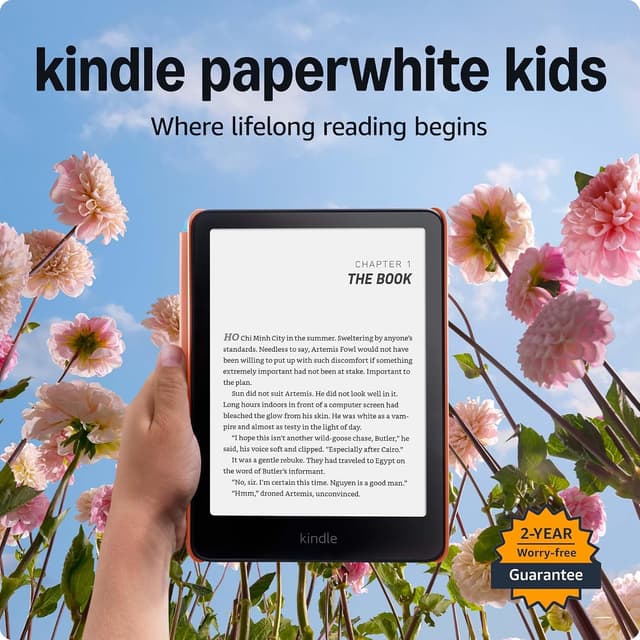
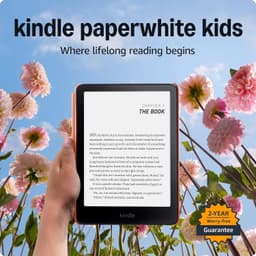
The waterproof Paperwhite hardware plus a full Amazon Kids+ dashboard makes this the safest default pick: parents get real screen-time and content controls, and the IPX8 rating covers the bath-time and pool-day reading that trips up non-waterproof readers.
Waterproof IPX8 design survives spills, pool days, and bathtub reading7" glare-free 300 ppi display with adjustable warm lightUp to 12 weeks of battery life on a single charge6-month Kids+ trial requires a paid subscription afterward to keep the expanded library$179.99 is the priciest e-ink option on this list
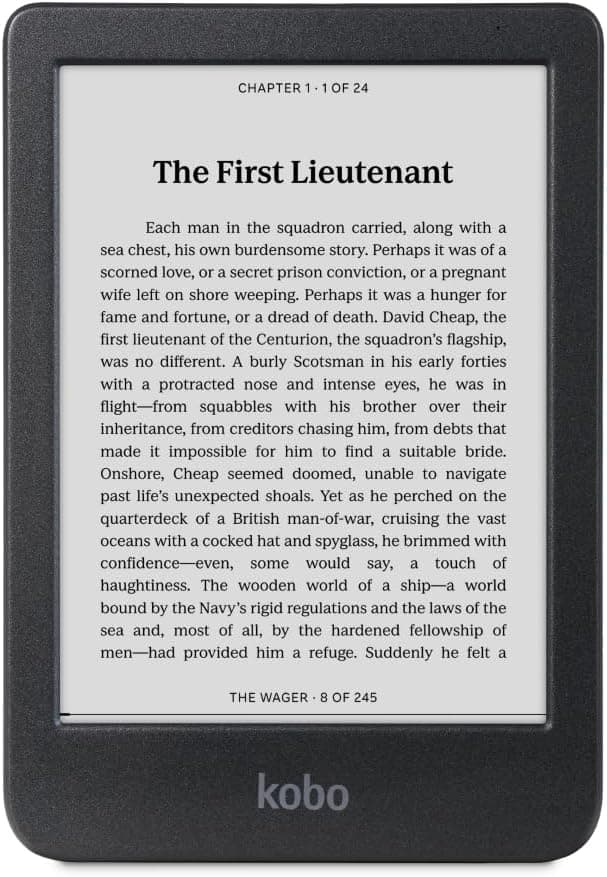
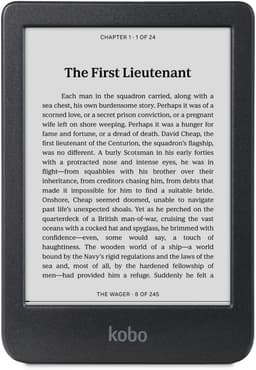
Skips the ongoing subscription entirely: built-in OverDrive/Libby support borrows real library ebooks for free, making it the strongest long-term value for families with an active library card, even without a dedicated kids' interface.
Built-in OverDrive/Libby support borrows real library ebooks for free, no subscription neededCrisp E Ink Carta 1300 HD display with dark mode optionFully waterproof (IPX8) for up to 60 minutesNo dedicated kids mode, parental controls, or content filtering, so parents must manage what's downloaded manually6" screen is smaller than the Paperwhite Kids' 7"
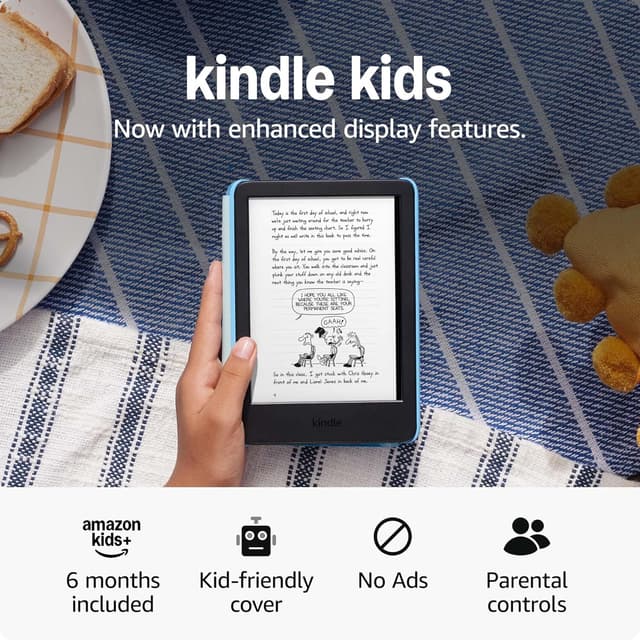
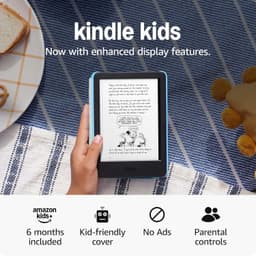
Identical 300 ppi display and Kids+ ecosystem as the pricier Kindles at the lowest price on this list; the tradeoffs are no waterproofing and roughly half the battery life of the Paperwhite Kids.
Lowest price of any e-reader on this list at $129.99300 ppi display with adjustable front light and dark mode, as bright as the PaperwhiteAmazon Kids+ (6 months included) gives access to thousands of ad-free booksNot waterproof, unlike the Paperwhite Kids and both Kobo picksUp to 6 weeks of battery life, half the Paperwhite Kids' rating
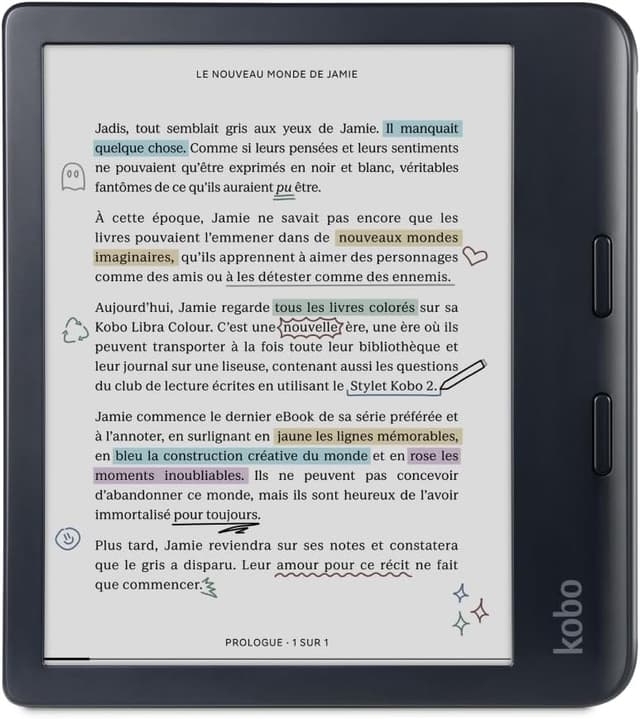
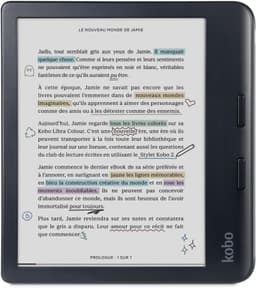
Physical page-turn buttons and a Kaleido 3 color display make this the pick for kids reading comics, manga, or picture books, though it costs more than every Kindle except the Colorsoft Kids and has no kid-specific content filtering.
E Ink Kaleido 3 color display renders comic covers, manga, and picture books in muted color rather than grayscalePhysical page-turn buttons are easier for smaller hands than swiping a touchscreenOverDrive/Libby library lending built in, same as the Clara BWMost expensive e-ink reader on this list at $258Color E Ink is noticeably dimmer and less saturated than a tablet screen, and there are no kids' parental controls
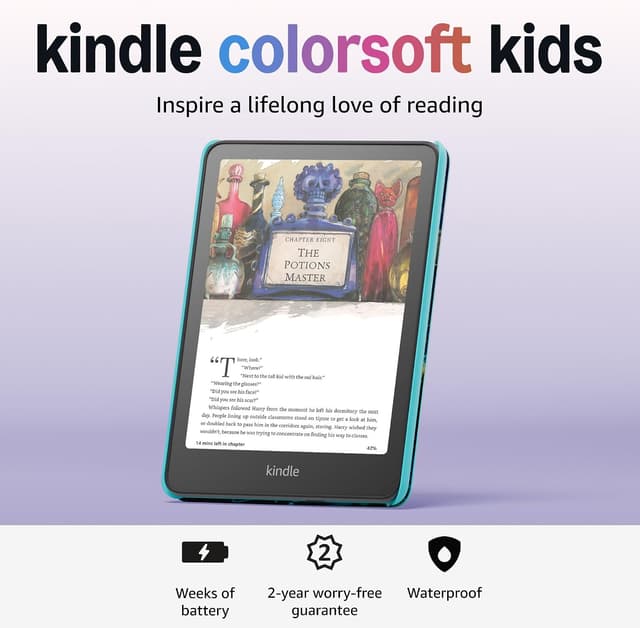
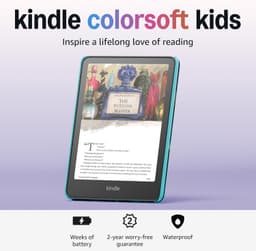
The only device here combining color illustrations with Amazon's full Kids+ parental control suite, at a premium over every other option; families who don't need color pages get equivalent text reading from the cheaper Paperwhite Kids.
First color Kindle designed specifically for kids, with color book covers and illustrationsFull Amazon Kids+ parental control suite: time limits, reading goals, content filters, Parent DashboardWaterproof design with kid-friendly cover and 2-year worry-free warrantyMost expensive Kindle on this list at $269.99Color E Ink contrast is softer than black-and-white Kindles, so black text isn't as crisp as the Paperwhite Kids
Choosing an e-reader for a child comes down to four practical questions: how it handles water and drops, whether it gives you actual control over what your child reads and for how long, how much it costs to keep filled with new books, and how the display renders the material your child actually wants to read. Waterproofing matters more for kids than adults: bath-time reading, pool days, and spilled juice cups are a normal part of childhood, and only the Kindle Paperwhite Kids, Kindle Colorsoft Kids, Kobo Clara BW, and Kobo Libra Colour carry an IPX8 rating; the base Kindle Kids does not. Parental controls split the field in two. Amazon's Kids+ ecosystem (used by the Paperwhite Kids, base Kindle Kids, and Colorsoft Kids) gives parents a dashboard for screen-time limits, reading goals, and an age-filtered library, but only for as long as the subscription is active: the included trial period eventually expires. Kobo's devices skip a dedicated kids' mode entirely; instead they connect straight to a family's public library through OverDrive and Libby, so books are free indefinitely but there's no built-in way to restrict what gets downloaded. Ongoing cost is easy to overlook at checkout. A Kids+ subscription after the included trial adds a recurring bill, while a Kobo device's running cost is whatever your library already offers for free, a meaningful difference for families who read a lot. Color matters mainly for picture books, comics, and manga: the two color E Ink displays here (Kindle Colorsoft Kids and Kobo Libra Colour) render illustrated covers and pages in a muted, newsprint-like color rather than grayscale, while every black-and-white model still reads standard chapter books just as clearly and for less money. Battery life ranges from about 6 weeks on the base Kindle Kids to nearly 12 weeks on the Paperwhite Kids, though real-world use is always shorter than the rated figure once brightness, Wi-Fi, and daily reading time are factored in. For most families starting out, prioritize durability and parental controls first, then decide whether color pages or free library lending is worth trading against a lower price.
Rankings are based on published manufacturer specifications, independent expert reviews, and verified owner feedback on durability, parental controls, and library-lending support, weighted toward durability and parental controls since this list is built around unsupervised or lightly-supervised child use.
Is the Kindle Paperwhite Kids worth the extra money over the base Kindle Kids?
For families who read near water or want the longest battery life, yes, it's waterproof and rated for roughly double the battery life of the base Kindle Kids. If neither matters to you, the base Kindle Kids reads the exact same books for about $50 less.
Do Kobo e-readers work for kids without an Amazon Kids+ subscription?
Yes. Kobo's Clara BW and Libra Colour connect directly to a public library card via OverDrive/Libby, so kids can borrow real library ebooks for free indefinitely. The tradeoff is that Kobo doesn't offer a dedicated kids' interface or built-in content filtering, so parents manage what gets downloaded.