Skip to content
Top 5 · Tablets

Top 5 Best Budget Tablets 2026

Best tablets under $350.

Updated September 9, 20265 rankedNo paid placements

We may earn a commission when you buy through our links. Prices and availability shown are accurate as of Sep 9, 2026 and are subject to change; the merchant's price at purchase applies.

Full rankings

1
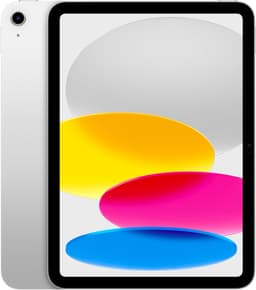
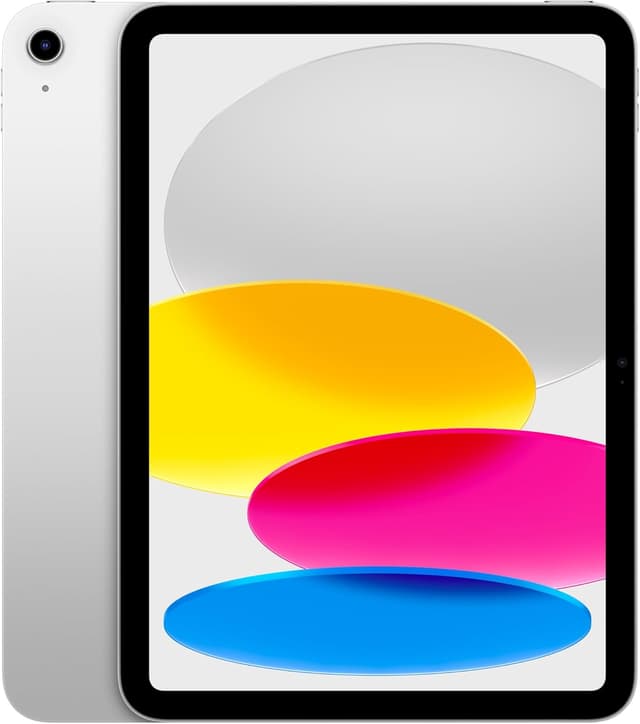
Apple iPad 11" (A16) - Ranked #1 Budget Tablets
Best overall

Apple iPad 11" (A16)

Universal acclaim as best sub-$350 tablet. A16 Bionic crushes Android competition with 6-7 years of updates—unmatched software longevity. Complete iPadOS ecosystem at frequently discounted $299.

Complete iOS ecosystem6-7 years of updatesA16 Bionic performanceNo Apple Pencil Pro supportNon-laminated display
2
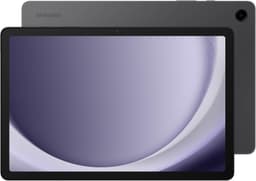
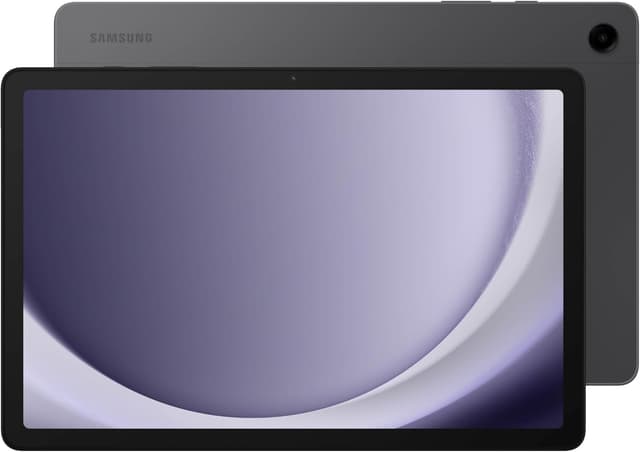
Samsung Galaxy Tab A9+ - Ranked #2 Budget Tablets
Best value

Samsung Galaxy Tab A9+

Best Android budget experience with 90Hz refresh, microSD expansion to 1TB, and Samsung DeX desktop mode. 12-14 hours real-world battery at just $220-250.

90Hz displaymicroSD expansion to 1TBDeX desktop modeWeaker Snapdragon 695 processorThick bezels
3
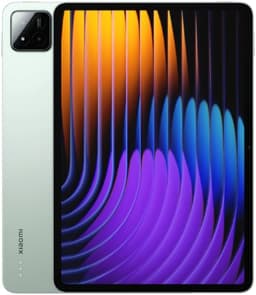
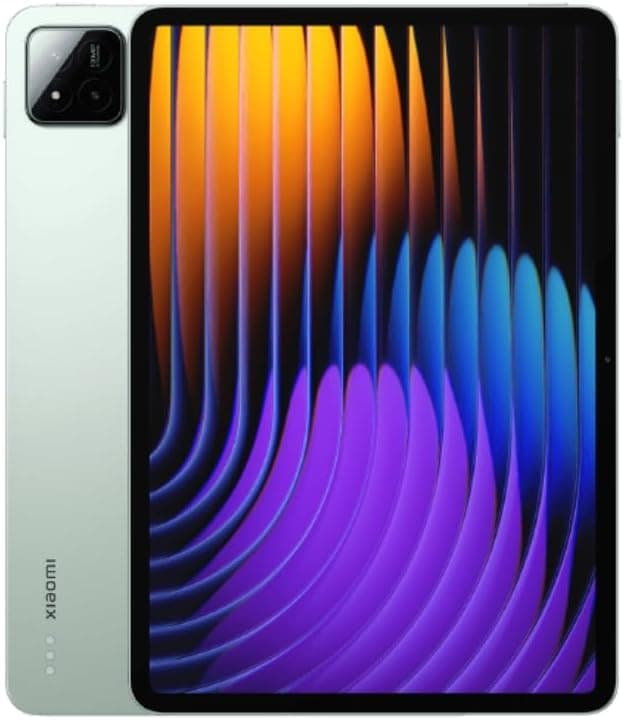
Xiaomi Pad 7 - Ranked #3 Budget Tablets

Xiaomi Pad 7

Premium metal build with 120Hz 2.5K display pushing budget boundaries at ~$300. Limited US availability is main drawback.

Premium metal build120Hz 2.5K displayGood performanceLimited US availabilityMIUI learning curve
5
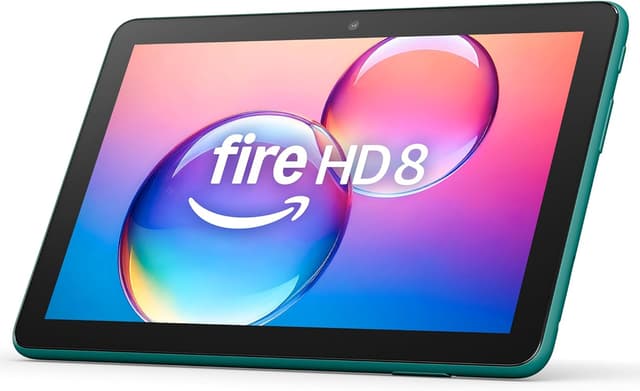
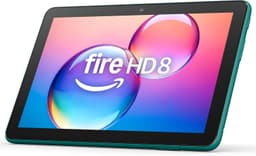
Amazon Fire HD 8 - Ranked #5 Budget Tablets
Best budget

Amazon Fire HD 8

Ultra-budget at $100-115 with 13+ hours battery. Perfect for kids, reading, and streaming despite Fire OS limitations.

Ultra-affordable $10013+ hours batteryLightweight 337gFire OS app limitationsLow 1280×800 resolution
Side by side

How they scored

ProductValue · 35%Performance · 25%Display · 20%Battery Life · 10%Ecosystem · 10%ScorePrice
1Apple iPad 11" (A16)
10989109.3$349
2Samsung Galaxy Tab A9+
10781088.7$220
3Xiaomi Pad 7
989868.3$300
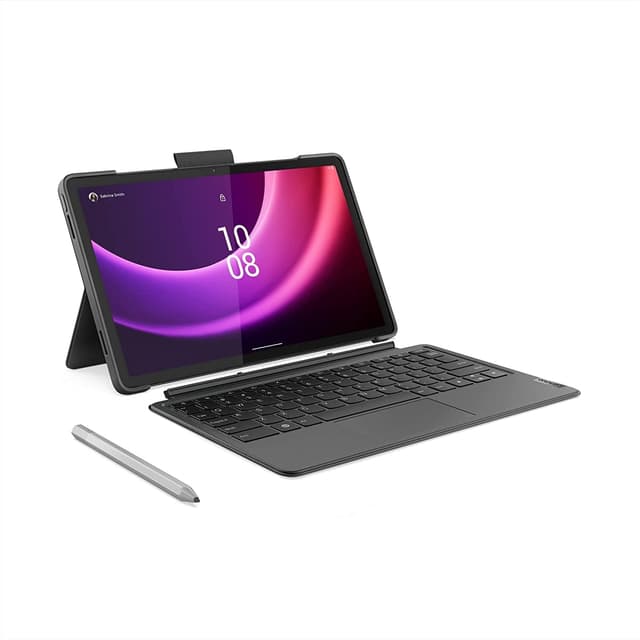
4Lenovo Tab P11 Gen 2
978878.0$250
5Amazon Fire HD 8
10551047.2$100

Specs Comparison

#1#2#3#4#5
Product
Apple iPad 11" (A16) specs - Top 5 Budget Tablets
Apple iPad 11" (A16)
Samsung Galaxy Tab A9+ specs - Top 5 Budget Tablets
Samsung Galaxy Tab A9+
Xiaomi Pad 7 specs - Top 5 Budget Tablets
Xiaomi Pad 7
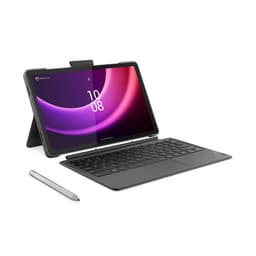
Lenovo Tab P11 Gen 2 specs - Top 5 Budget Tablets
Lenovo Tab P11 Gen 2
Amazon Fire HD 8 specs - Top 5 Budget Tablets
Amazon Fire HD 8
BrandAppleSamsungXiaomiLenovoAmazon
Display10.9" Liquid Retina LCD, 2360×164011" LCD, 1920×1200, 90Hz11.2" LCD, 2560×1600, 120Hz11.5" IPS, 2000×1200, 120Hz8" HD, 1280×800, 60Hz
ProcessorA16 BionicSnapdragon 695 5GSnapdragon 7+ Gen 3MediaTek Helio G99MediaTek Helio P22
Storage64GB/256GB64GB/128GB + microSD128GB/256GB128GB + microSD32GB/64GB + microSD
Battery~10 hours7040mAh, 12-14 hours8850mAh7700mAh13+ hours
Weight477g480g500g520g337g
Price$349$220$300$250$100
Our #1 pick
Apple iPad 11" (A16)
$349 at Amazon

How we ranked them

The first decision in a budget tablet isn't the spec sheet — it's which operating system you're buying into, because that choice determines how long the tablet stays useful. Apple's iPad 11" (A16) costs the most here but ships with 6-7 years of guaranteed software updates, so it will still be running current apps and iPadOS versions years after cheaper Android rivals have stopped receiving security patches. Mainstream Android tablets like the Samsung Galaxy Tab A9+, Xiaomi Pad 7, and Lenovo Tab P11 Gen 2 typically get 2-3 years of OS updates, and budget-tier Android support windows can be shorter still — factor that into cost-per-year, not just sticker price. Amazon's Fire HD 8 is a special case: Fire OS is a fork of Android without the Google Play Store, trading app variety for an ultra-low price, which makes it a poor fit for anyone who wants mainstream apps but a genuinely good pick for a dedicated kids' or e-reading tablet. Refresh rate is the second thing to weigh honestly. A 90-120Hz panel, like the Tab A9+'s 90Hz or the Xiaomi Pad 7 and Lenovo Tab P11 Gen 2's 120Hz displays, makes scrolling and video feel noticeably smoother than the iPad 11"'s 60Hz screen — but a higher refresh rate paired with a weaker budget chip can still feel sluggish under real multitasking, so don't let the headline refresh number substitute for checking the processor tier underneath it. Storage expansion is a genuine budget-tablet advantage worth prioritizing if you shoot a lot of photos or download offline video: every Android pick here except some Xiaomi configurations supports microSD expansion up to 1TB, while the iPad has no expansion slot at all, so its 64GB base configuration can fill up fast. Finally, match battery claims to your use case — the Fire HD 8's 13+ hour rating and the Tab A9+'s 12-14 real-world hours both reflect light use, and video streaming or gaming will pull those numbers down meaningfully on any tablet in this price range. The most common mistake in this category is buying on refresh rate and RAM alone and only later discovering the OS's update window or app-store limitations don't fit how you actually planned to use the tablet.

Budget tablets evaluated for value per dollar, real-world performance for everyday tasks, display quality, battery life, and ecosystem/software support longevity.

Value

Features per dollar

35%
Performance

Processing power

25%
Display

Screen quality

20%
Battery Life

Hours

10%
Ecosystem

App support

10%
Learn more about how we rank

Questions, answered

iPad or Android for budget tablets?
iPad (A16) at $299 offers unmatched software longevity (6-7 years updates) and ecosystem. Samsung Tab A9+ at $220 is best Android with DeX mode and microSD expansion.
Are budget tablets good enough for productivity?
Yes, with limitations. iPad (A16) handles iPadOS apps well but lacks Stage Manager. Samsung Tab A9+ offers DeX desktop mode for productivity but has weaker processor.
Still deciding?

Compare them head-to-head