The best projectors for PlayStation 5 gaming, scored on input lag at 4K/60Hz and 120Hz modes, picture quality, brightness, room fit, smart features and value.
Updated October 12, 20265 rankedNo paid placements
We may earn a commission when you buy through our links.
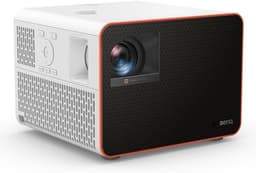
The most complete PS5 projector: it matches the Optoma UHD38x's 16.7 ms at 4K/60Hz and adds an 8 ms 1080p/1440p 120Hz mode, while its 4LED light source (20,000 hours) removes the lamp replacements the UHD38x and TH575 need. Its 1.3x zoom and vertical lens shift make it far easier to place than the Optoma, and it is 1,100 lumens brighter than the BenQ X500i. RTINGS scored it 8.1 for gaming. It costs about $800 more than the UHD38x, which is why the Optoma takes Value.
Fast in every PS5 mode: about 16.7 ms at 4K/60Hz and about 8 ms at 1080p/120Hz (BenQ; consistent with PCGamesN and Projector Reviews)3,300 ANSI lumens from a 4LED light source rated for 20,000 hours, so there is no lamp to replace1.3x zoom plus vertical lens shift make it the easiest pick here to place on a shelf or ceiling mount without keystone distortionContrast in near-dark scenes trails dedicated home-theater projectors (RTINGS)About $800 more than the Optoma UHD38x, which matches its 4K/60 input lag
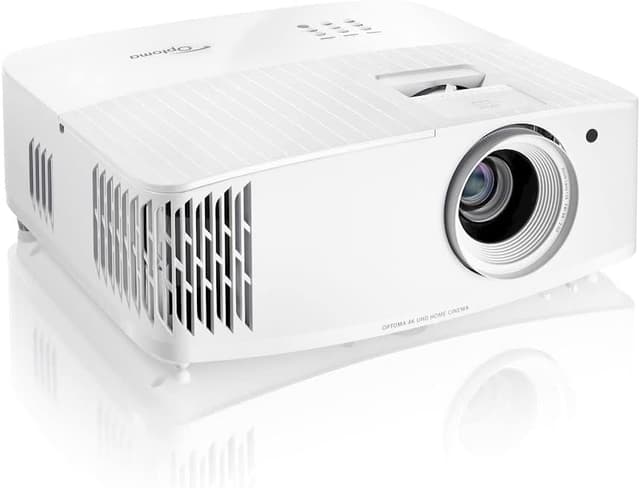
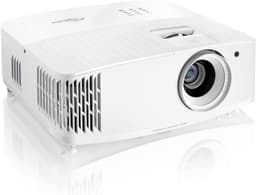
The best price for real 4K PS5 gaming: about $999 buys the same 16.7 ms 4K/60Hz lag as the X3100i, a 4.2 ms 1080p/240Hz mode, and 4,000 ANSI lumens, the brightest rating in this list. It ranks below the X3100i because it uses a lamp, has no lens shift or smart platform, and needs about 13 ft for a 120-inch image, and above the X500i because it is 1,800 lumens brighter for about $500 less.
4,000 ANSI lumens, the highest brightness rating here, so it copes best with some room light16.7 ms at 4K/60Hz and 4.2 ms at 1080p/240Hz in Enhanced Gaming Mode, matching projectors that cost far moreAbout $999 on Amazon, the lowest price for a 4K projector with 120Hz-capable game modes in this listLamp light source, rated 4,000 hours in bright mode (up to 15,000 in Dynamic/Eco), so a replacement lamp is a running costNo smart platform: streaming needs a separate stick or the PS5's own apps
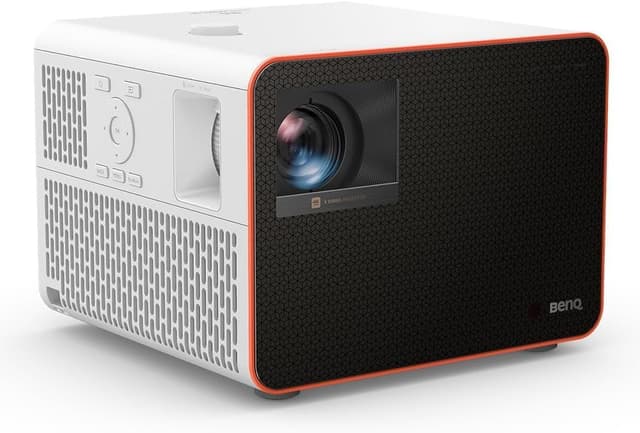
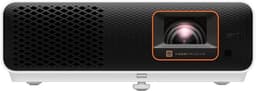
The pick for small rooms: its 0.69-0.83 short-throw lens fills 100 inches from about 5-6.5 ft, where the Optoma UHD38x needs roughly twice the distance. It shares the X3100i's 4LED engine, Android TV and fast modes (about 16 ms at 4K/60, 8 ms at 1440p/120), and Expert Reviews found no noticeable lag on PS5. It ranks third because its 2,200 lumens trail the X3100i by 1,100 and the UHD38x by 1,800, at a higher price than the Optoma.
Short-throw lens: about 100 inches from roughly 5–6.5 ft, the only pick here built for small roomsFast game modes: about 16 ms at 4K/60Hz and 8 ms at 1440p/120Hz (BenQ); Expert Reviews found no noticeable lag on PS54LED light source rated for 20,000 hours and Android TV included2,200 ANSI lumens is 1,100 fewer than the X3100i, so it needs a darker roomAbout $1,499, $500 more than the brighter Optoma UHD38x
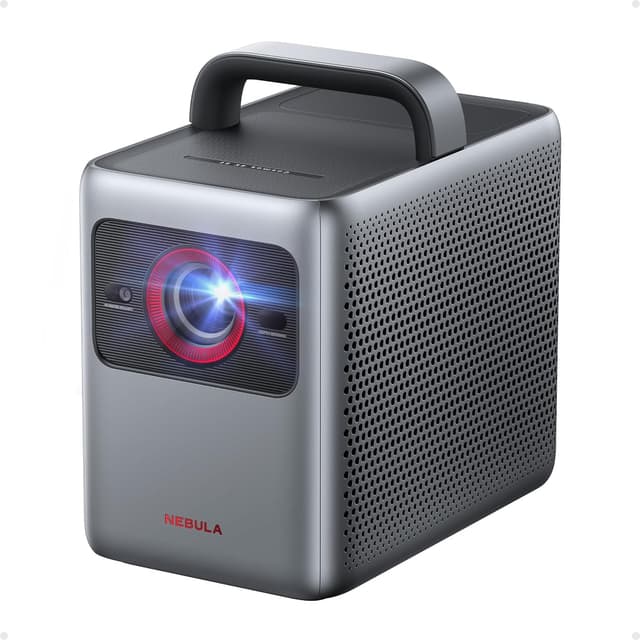
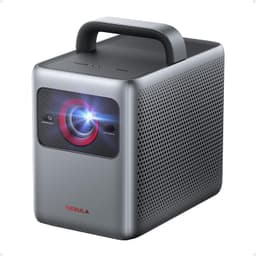
The best pick when films matter as much as games: it is the only projector here with Dolby Vision and built-in Google TV with licensed Netflix, and its automatic focus, keystone and screen fit make setup quicker than any BenQ or Optoma here. It ranks fourth because TechRadar measured 18.5 ms only in Game Mode Extreme (35 ms in standard game mode), it has no 120Hz mode, and its 1,800 lumens are the lowest in the list.
Dolby Vision and HDR10, the only pick here with Dolby Vision for streaming filmsGoogle TV with licensed 4K Netflix built in, no dongle neededAutomatic focus, keystone, screen fit and obstacle avoidance make setup the quickest in this listInput lag is 18.5 ms only in Game Mode Extreme; TechRadar measured 35 ms in the standard game mode1,800 ANSI lumens is the lowest rating here, and TechRadar's brightness measurement was underwhelming
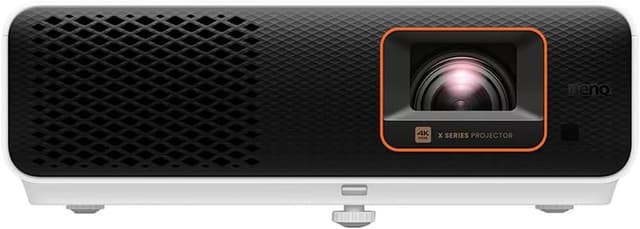
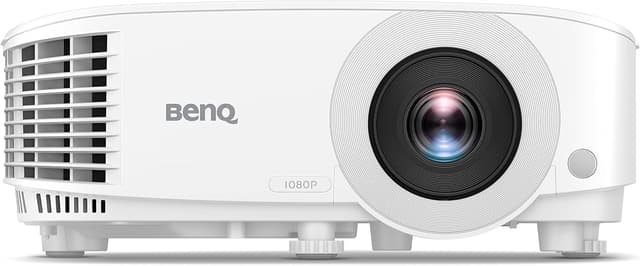
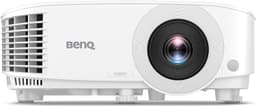
The cheapest credible big-screen PS5 setup at about $749: 3,800 ANSI lumens (brighter than every pick except the UHD38x) and 16.7 ms at 1080p/60Hz, which RTINGS rated decent for casual gaming. It ranks last because it is the only 1080p projector here, with no 4K or 120Hz input, washed-out HDR and no smart platform, where the Nebula Cosmos 4K SE adds 4K, Dolby Vision and Google TV for about $220 more.
About $749, the cheapest pick here and less than half the price of the X3100i3,800 ANSI lumens, second only to the Optoma UHD38x in this list16.7 ms at 1080p/60Hz, low enough for casual and story-driven PS5 games (RTINGS, ProjectorCentral)1080p/60Hz only: no 4K input and no 120Hz mode, so the PS5 runs at 1080pMuted colors and washed-out HDR (RTINGS); no smart OS, Wi-Fi or Bluetooth
Playing a PS5 on a projector turns a 100-inch or larger wall into the screen, which suits open-world and cinematic games, but projectors vary far more than TVs in how quickly they respond, so the most important number is input lag. For this list we compared projectors on published specifications, independent reviews and measurements from RTINGS, TechRadar, PCGamesN, Expert Reviews, Projector Reviews and GadgetReview, plus current Amazon US listings. We do not test projectors ourselves, and every lag or brightness figure is attributed to the source that published it. Start with the PS5's two output modes. Fidelity modes run at 4K and 60 frames per second, so look for input lag at 4K/60Hz under about 20 ms; the BenQ X3100i, Optoma UHD38x and BenQ X500i all sit around 16 to 17 ms. Performance modes favor frame rate, and on these projectors 120Hz is available only at 1080p or 1440p, at roughly 8 ms. None of the five accepts 4K/120Hz, which needs HDMI 2.1 and is still rare in projectors at these prices. Next, match brightness to the room. In a dark dedicated room, 1,800 to 2,200 ANSI lumens is plenty for 100 inches. In a living room with some light, the 3,300 to 4,000 lumen models hold contrast far better. Rated lumens are manufacturer figures, so treat small differences as rough. Then measure your throw distance. A standard-throw projector such as the Optoma UHD38x needs about 13 ft for a 120-inch image, while the short-throw BenQ X500i fills 100 inches from about 5 to 6.5 ft, which makes it the practical choice for bedrooms and apartments. Zoom and lens shift, as on the X3100i, let you place the projector on a shelf or mount without keystone correction, which softens the image. Finally, decide whether you want built-in streaming and how you feel about lamps. LED and laser light sources last 20,000 hours or more with no replacements, while lamp models like the UHD38x and TH575 cost less up front but need a new lamp eventually. Pair any of these with a soundbar if audio matters; built-in projector speakers are adequate rather than cinematic.
We rank these projectors by researching published manufacturer specifications, independent reviews and measurements (RTINGS, TechRadar, PCGamesN, Expert Reviews, Projector Reviews and GadgetReview), and current Amazon US listing data for availability and price as of October 12, 2026. We do not test projectors ourselves; every input-lag and brightness figure is attributed to the manufacturer or the independent reviewer that published it. Gaming Responsiveness carries the most weight because it decides how a PS5 feels to play: we score input lag at 4K/60Hz first and support for the console's 1080p/120Hz mode second. Picture Quality covers resolution, HDR handling and contrast as reported by reviewers; Brightness uses rated ANSI lumens; Room Fit & Setup covers throw distance, zoom, lens shift and automatic setup; Smart Features & Audio covers built-in streaming and speakers; Value compares the whole package against the current Amazon price.
Gaming Responsiveness
Published input lag at 4K/60Hz (the PS5's Fidelity mode) first, then support and lag for the console's 1080p/120Hz Performance mode
25%
Picture Quality
Resolution, HDR format support and handling, and contrast as reported by independent reviewers such as RTINGS and TechRadar
20%
Brightness
Rated ANSI lumens and how well the image is likely to hold up in a room with some ambient light
15%
Room Fit & Setup
Throw distance for a 100-inch image, zoom and lens shift, and automatic focus or keystone, which decide whether the projector fits your room
15%
Smart Features & Audio
Built-in streaming platform and licensed apps, casting, eARC passthrough and the usefulness of the built-in speakers
10%
Value
Gaming performance, picture and running costs (such as lamp replacements) per dollar at the current Amazon price
Yes, but only at 1080p (or 1440p) on most projectors. The BenQ X3100i, BenQ X500i and Optoma UHD38x all accept a 1080p/120Hz signal with roughly 8 ms of input lag, per the manufacturers. None of the five accepts 4K/120Hz, which requires HDMI 2.1, so in the PS5's Performance modes you trade resolution for frame rate. The Nebula Cosmos 4K SE and BenQ TH575 top out at 60Hz.
How much input lag is acceptable for PS5 gaming on a projector?
Under about 20 ms feels as responsive as most TVs for nearly all games. The X3100i, UHD38x and X500i sit around 16-17 ms at 4K/60Hz, and the TH575 is 16.7 ms at 1080p/60Hz. The Nebula Cosmos 4K SE reaches 18.5 ms only in Game Mode Extreme; in its standard game mode TechRadar measured 35 ms, which is noticeable in fast shooters.
Is a 4K projector worth it for PS5 over a 1080p one?
For most PS5 owners, yes. Many PS5 games offer a 4K Fidelity mode, and at 100 inches or more the extra sharpness is easy to see. A 1080p projector such as the BenQ TH575 still works well for casual and co-op games and costs much less, but it cannot accept a 4K signal, so the console outputs 1080p.
How far from the wall does a PS5 projector need to be?
It depends on the lens. The BenQ X500i is short-throw and fills 100 inches from about 5 to 6.5 ft. The BenQ TH575 needs about 10.8 ft for 100 inches, and the Optoma UHD38x about 13.1 ft for 120 inches. The X3100i's 1.3x zoom and lens shift give the most placement flexibility. Measure your room before buying.
Do I need a streaming stick with these projectors?
Not for the BenQ X3100i or X500i, which include Android TV, or the Nebula Cosmos 4K SE, which has Google TV with licensed Netflix built in. The Optoma UHD38x and BenQ TH575 have no smart platform, so you would use a streaming stick or the PS5's own streaming apps.