Top 5 Best E-Ink Tablets for College Students 2026
The best E Ink writing tablets for college students, ranked on note-taking, PDF and textbook reading, course app support, battery life, portability and value: from the Kindle Scribe (2025) and color Kindle Scribe Colorsoft to the Android-powered BOOX Note Air5 C and Go 10.3 (Gen II).
Updated November 5, 20265 rankedNo paid placements
We may earn a commission when you buy through our links.
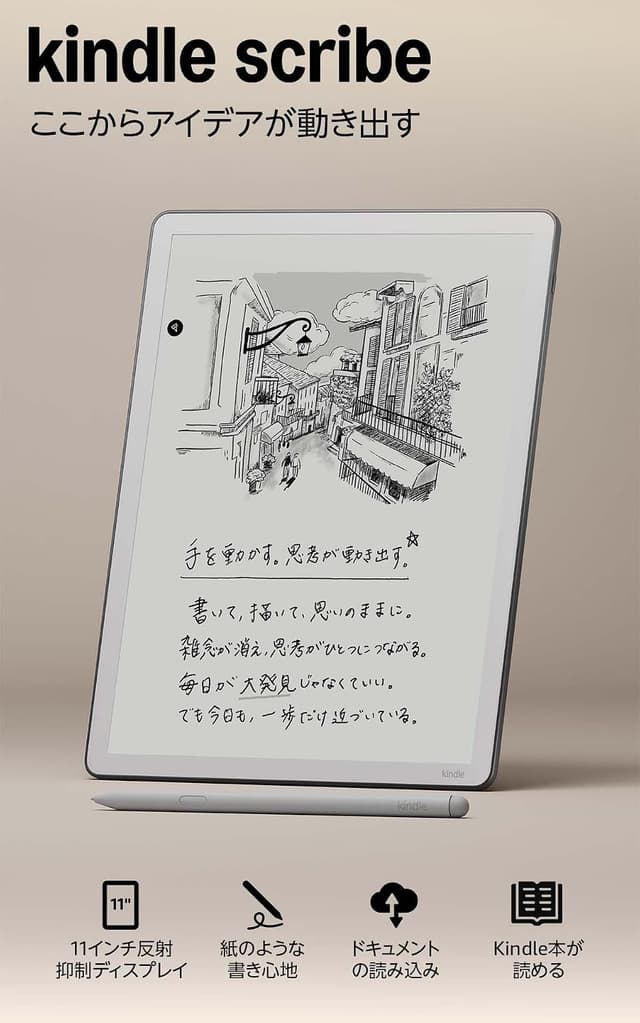
The best all-round E Ink tablet for most college students: an 11-inch, 300 ppi front-lit screen that shows a letter-size PDF with less zooming than the 10.3-inch BOOX tablets, a Premium Pen that never needs charging, Google Drive and OneDrive import for lecture slides and readings, and the longest rated writing battery of the front-lit picks (up to 3 weeks). It ranks above the BOOX Note Air5 C because its pen, battery life and simplicity suit daily note-taking better and it costs about $30 less; the Note Air5 C wins only if you need Android apps or color. It ranks above the Kindle Scribe Colorsoft because it gives the same writing experience for $130 less with a longer-rated battery.
11-inch 300 ppi display is the largest monochrome screen in this list, so letter-size PDFs need less zoomingPremium Pen is included and needs no charging or pairing, with an eraser and a shortcut buttonRated for up to 3 weeks of writing or 12 weeks of reading (30 minutes a day)No app store: OneNote, Notion, Goodnotes and course-platform apps do not run on it32GB is not expandable, and there is no color for highlight-coded notes (see the Colorsoft)
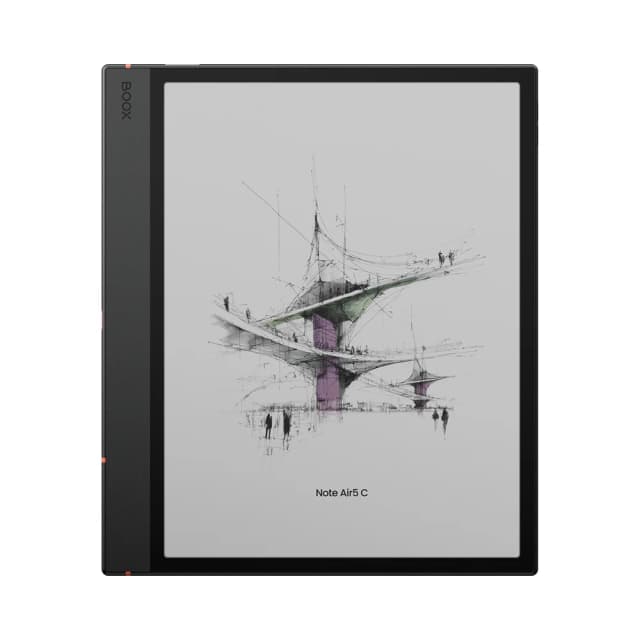
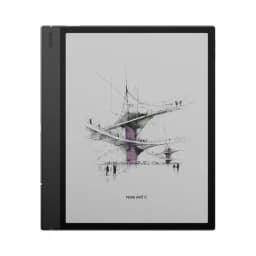
The most flexible pick: Android 15 with Google Play means OneNote, Google Drive, Notion, Libby and the Kindle app all run on a 10.3-inch color E Ink screen, with 64GB plus microSD and an optional keyboard cover for typing. It ranks below the Kindle Scribe (2025) because reviewers report battery life measured in days rather than weeks, it is the heaviest tablet here at about 430-440 g, and its 10.3-inch screen is smaller. It ranks above the Kindle Scribe Colorsoft because it adds color and runs the apps a course actually uses for about $100 less, while the Colorsoft is limited to Kindle software.
Android 15 with Google Play runs OneNote, Google Drive, Notion and other coursework apps alongside BOOX's own notes appColor highlights and diagrams on a Kaleido 3 panel, with warm and cold front light64GB plus microSD expansion, the most storage flexibility in this listReviewers report battery life of days rather than weeks, shorter than the Kindle ScribesMuted colors and 150 ppi color resolution; about 430-440 g makes it the heaviest here
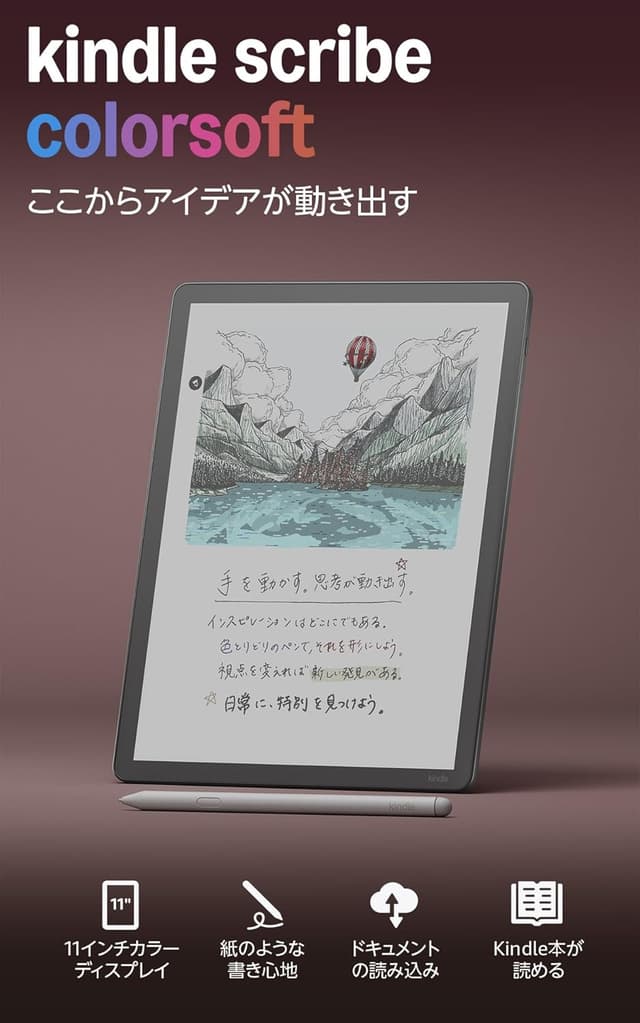
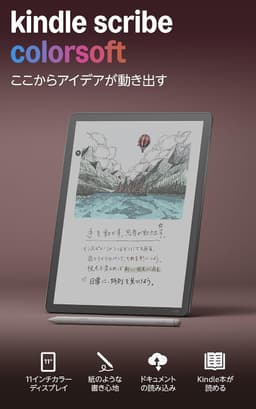
The pick for diagram-heavy majors who want color inside Amazon's ecosystem: the same 11-inch, 5.4 mm, roughly 400 g body and no-charge pen as the standard Scribe, plus a Colorsoft panel with 10 pen colors and 5 highlighter shades. It ranks below the BOOX Note Air5 C because it costs about $100 more, has no app store and is rated for 2 weeks of writing versus the monochrome Scribe's 3. It ranks above the BOOX Go 10.3 (Gen II) because it has a front light, color and a pen that reviewers rate more highly, at a $210 premium.
Color pens and highlighters on an 11-inch screen, useful for diagrams, annotated readings and color-coded study notesSame no-charge Premium Pen and Google Drive/OneDrive import as the standard ScribeFront light and the same thin 5.4 mm, about 400 g bodyThe most expensive tablet in this listBattery rated lower than the monochrome Scribe: up to 2 weeks writing / 8 weeks reading
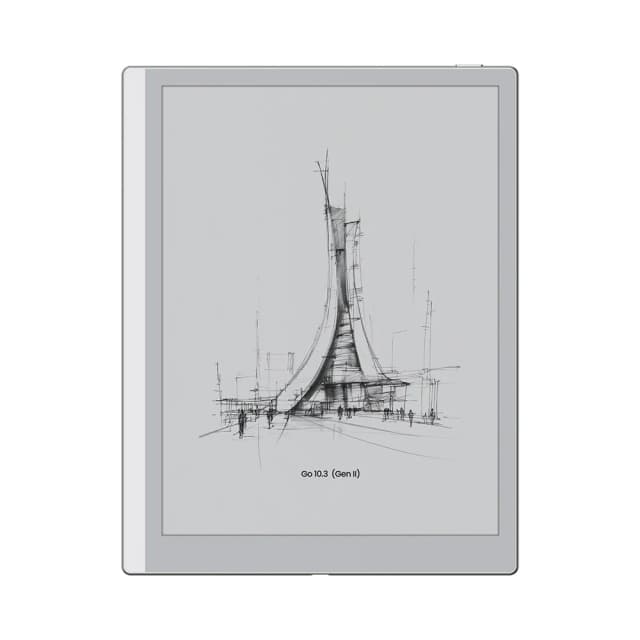
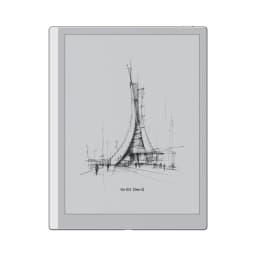
The cheapest Android E Ink tablet here and the lightest at roughly 350-360 g: Android 15 with Google Play, a 300 ppi 10.3-inch screen and 64GB of storage. It ranks below the Kindle Scribe Colorsoft because it has no front light or color, Tom's Guide found its writing feel weaker than the Scribe's, and its InkSense Plus stylus needs charging. It ranks above the Kindle Scribe without Front Light because, at about $10 less, it adds Android apps and four times the storage (64GB versus 16GB), which matters for PDF textbook libraries, while the Scribe keeps a larger 11-inch screen and a no-charge pen.
Android 15 with Google Play at the lowest price in this listRoughly 350-360 g, the lightest tablet here, easy to carry between classes64GB of storage, four times the Kindle Scribe without front lightNo front light on this version, so dim lecture halls and dorm rooms need room lightTom's Guide found its writing feel weaker than the Kindle Scribe's, and app launches slow
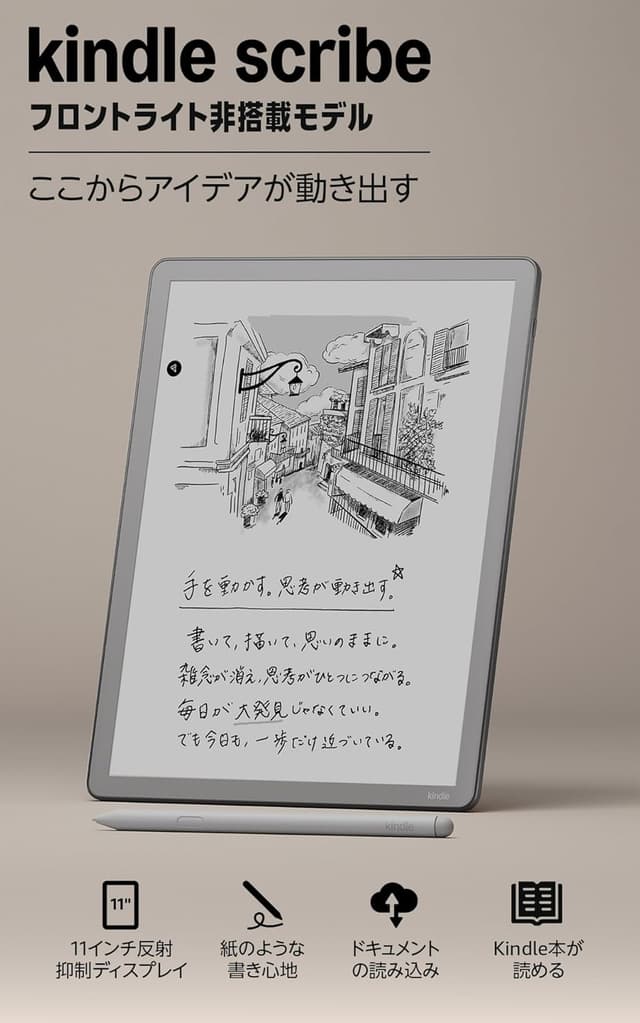
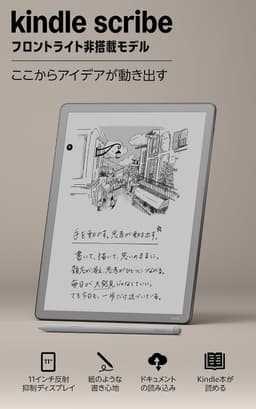
The Kindle Scribe's 11-inch screen, no-charge Premium Pen and notebook software at the lowest Kindle Scribe price, with the longest rated reading battery here (up to 16 weeks). It ranks last because dropping the front light makes it hard to use in dim lecture halls or a dorm room at night, and 16GB (about 10GB usable, per reviewers) is tight for a semester of PDF textbooks. Against the BOOX Go 10.3 (Gen II) it trades Android apps and 64GB of storage for a larger screen, a better-rated pen and Amazon's simpler software.
Same 11-inch 300 ppi display and no-charge Premium Pen as the standard ScribeLongest rated reading battery here: up to 16 weeks (3 weeks writing)Google Drive/OneDrive import and AI notebook search, like the pricier ScribesNo front light, so it needs a lamp in dim rooms16GB only (about 10GB usable, per reviewers), tight for large PDF textbook libraries
Start with what you will actually do on the tablet in class, because the five picks split along three questions: which software you need, whether you need a front light, and whether color is worth paying for. Software is the biggest decision. The three Kindle Scribes run Amazon's own software: the Kindle Store, Send to Kindle for PDFs and Word documents, notebooks that import from Google Drive and OneDrive, and AI search and summaries across your handwritten notes. That keeps them simple and distraction-free, but nothing else installs. The BOOX Note Air5 C and Go 10.3 (Gen II) run Android 15 with the Google Play Store, so OneNote, Google Drive, Notion, Libby, the Kindle app and many textbook apps run on the tablet itself, at the cost of shorter battery life and more setup. If your course materials live in a specific app, that alone decides it. Next, think about where you will read. A front light lets you study in a dim lecture hall, on a late bus or in a dorm room after a roommate turns the lights off. The Kindle Scribe (2025), Kindle Scribe Colorsoft and Note Air5 C have one; the Kindle Scribe without Front Light and the Go 10.3 (Gen II) do not, which is how they reach the lowest prices here. Screen size matters for PDFs: the 11-inch Scribes show a letter-size page of lecture slides or a journal article with less zooming than the 10.3-inch BOOX screens. Storage matters too, since a semester of scanned readings adds up quickly; the Scribe without Front Light has 16GB, while both BOOX tablets have 64GB and the Note Air5 C adds microSD. Color is useful for diagram-heavy subjects and color-coded highlighting, but the Kaleido 3 and Colorsoft panels show muted color at 150 ppi and cost more battery life, so text-heavy majors usually get better value from monochrome. Finally, look at the pen. The Kindle Premium Pen never needs charging, BOOX's InkSense Plus stylus on the Go 10.3 (Gen II) does, and every pick here includes a stylus in the box. We compared these tablets using published specifications, independent expert reviews and verified owner feedback rather than in-house testing, so battery figures are the manufacturers' ratings or reviewers' reports.
We rank these tablets by researching published manufacturer specifications, independent expert reviews (TechRadar, Engadget, Tom's Guide, Creative Bloq, AppleInsider, Android Central, Notebookcheck, 9to5Google, New Atlas and Android Authority), student-focused buying guides and verified owner feedback, plus current US retailer listings for price and availability. We do not test products ourselves; battery and performance observations are attributed to the manufacturers and publications that reported them. Because the job is taking notes in class and working through PDF readings, note-taking and pen feel carry the most weight, followed by PDF and textbook reading and value at student budgets, then course app support, battery life and portability.
Note-Taking & Pen Feel
How natural handwriting feels and how capable the notebook software is: pen latency and friction reported by reviewers, whether the stylus needs charging, and tools such as lassoing, search and handwriting conversion
25%
PDF & Textbook Reading
How well lecture slides, PDF readings and textbooks display and annotate: screen size and sharpness for letter-size pages, color for highlights and diagrams, and storage for a semester of files
20%
Course Apps & Cloud Sync
Whether the tablet runs the software a course uses (Google Play apps such as OneNote, Google Drive and Notion) or only imports and exports documents through cloud services
15%
Battery Life
Rated or reviewer-reported time between charges with daily writing and reading, since a dead tablet mid-lecture is the worst outcome
10%
Portability
Weight and thickness carried between classes all day, plus whether a front light allows use in dim lecture halls and dorm rooms
10%
Value for Students
What the tablet delivers at its current US price compared with the other picks, including what is in the box (stylus, storage) and what costs extra
Is an E Ink tablet better than an iPad for college?
For reading and handwritten notes, many students prefer E Ink: the reflective screen is easier on the eyes over long study sessions, battery life is measured in days or weeks rather than hours, and there are no notifications or games to pull you away. An iPad is better for video, web-heavy research, drawing in full color and running every app. Most guides we researched recommend an E Ink tablet as a companion to a laptop rather than a replacement for it.
Kindle Scribe or BOOX for a student?
Choose a Kindle Scribe if your reading is mostly ebooks, PDFs and course packs and you want the simplest device with the longest battery life and a pen that never needs charging. Choose a BOOX tablet such as the Note Air5 C or Go 10.3 (Gen II) if you need Android apps on the tablet itself, for example OneNote, Google Drive, Notion, Libby or a textbook app, or want microSD storage (Note Air5 C).
Can I annotate PDF lecture slides and readings on these tablets?
Yes. All five picks open PDFs and let you write on them with the included or bundled stylus. The Kindle Scribes import documents through Send to Kindle, Google Drive and OneDrive; the BOOX tablets open PDFs in BOOX's own reader or any Android PDF app, including cloud apps such as Google Drive. The 11-inch Kindle Scribe screens show a letter-size page with less zooming than the 10.3-inch BOOX screens.
Do I need a front light?
If you will read in a dim lecture hall, on a bus or in a dorm room at night, yes. The Kindle Scribe (2025), Kindle Scribe Colorsoft and BOOX Note Air5 C have front lights. The Kindle Scribe without Front Light and the BOOX Go 10.3 (Gen II) do not, like paper they need room light, which is why they cost less; BOOX sells a Lumi version of the Go 10.3 with a front light for about $30 more.
Is color worth paying for?
For subjects built on diagrams, maps or color-coded highlighting (biology, medicine, architecture, chemistry), color helps, and the BOOX Note Air5 C and Kindle Scribe Colorsoft both offer it. The color on these screens is muted compared with an LCD tablet and color resolution is 150 ppi, so for text-heavy majors a monochrome tablet is usually the better value.