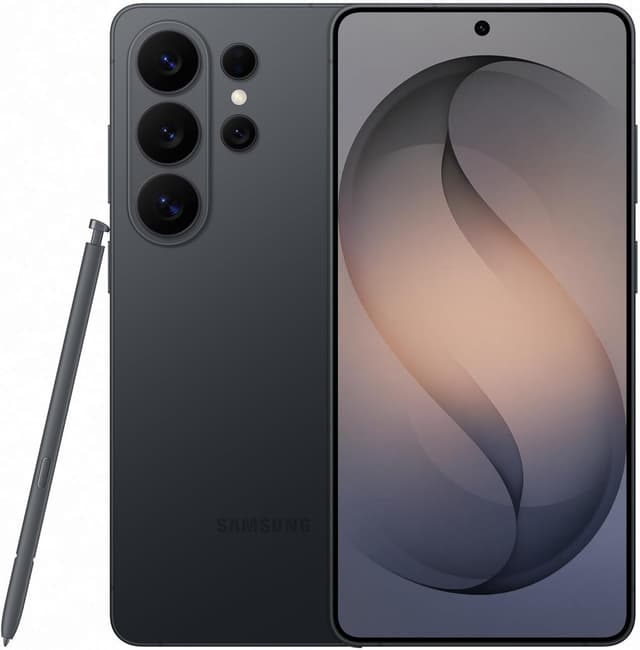
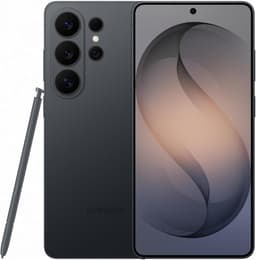
Productivity powerhouse with built-in S Pen, Samsung DeX wireless desktop mode, up to 16GB RAM, and a 6.9" display, now with a Privacy Display that blocks side-angle viewing, a genuine win for working on confidential material in public. Snapdragon 8 Elite Gen 5 and agentic Galaxy AI tools like Now Nudge keep it the laptop replacement.
200MP main camera now f/1.4 (47% more light for low-light shots)Privacy Display blocks side-angle viewing, first on any phoneBuilt-in S Pen and DeX desktop mode$1,299 list price with pricier storage upgradesStill 5,000mAh, no silicon-carbon battery like OnePlus and OPPO
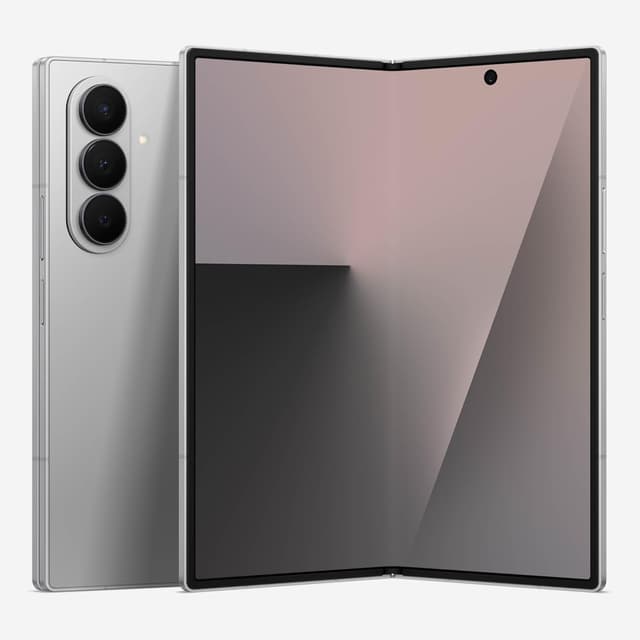
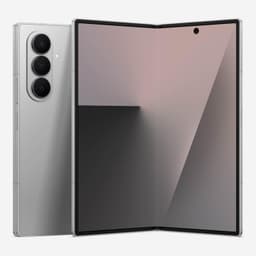
Ultimate multitasking with 7.6" tablet workspace, S Pen support, 3 apps simultaneously, and DeX. Executives' dream: tablet and phone in one pocket. $1,899-2,099 premium justified for power users.
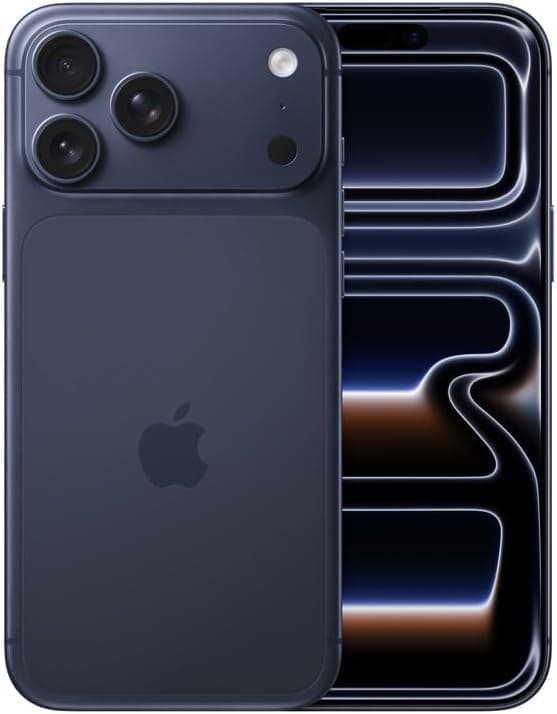
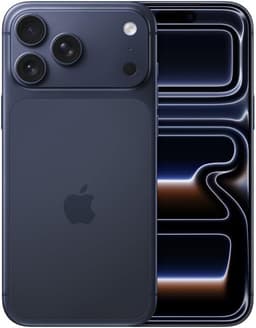
Ecosystem productivity leader with tight Mac/iPad integration, Universal Clipboard, Handoff, AirDrop, Focus modes, and Apple Intelligence. Best for Apple fleet users.
Best-in-class video recording4K 120fps smooth captureZero shutter lagPremium flagship price12GB RAM less than Android
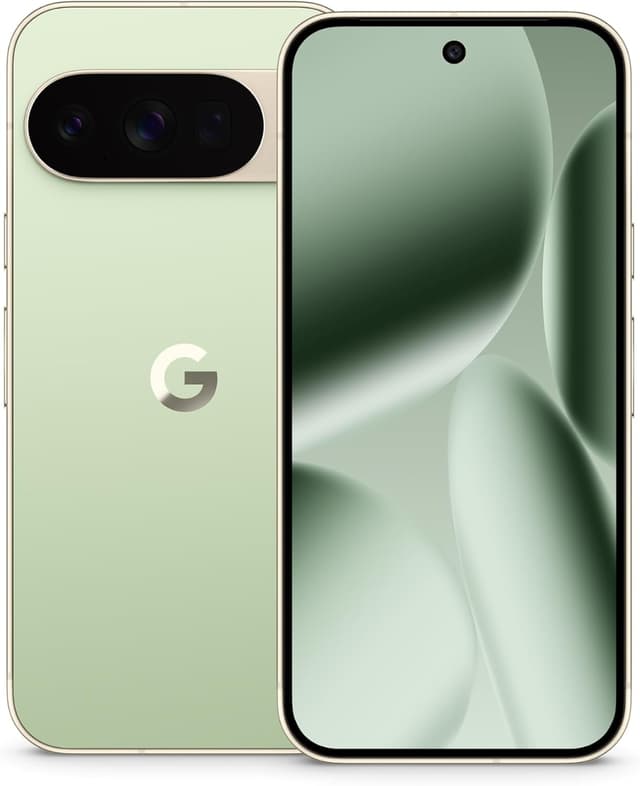
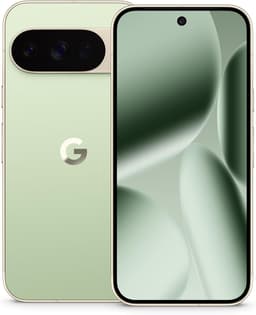
AI productivity assistant with Gemini integration, Call Screening, Live Translate, and AI transcription. Best Google Workspace experience on Android with 7 years updates.
100x Pro Res ZoomCamera Coach AI guidanceBest portrait mode$1,099 flagship priceTensor efficiency concerns
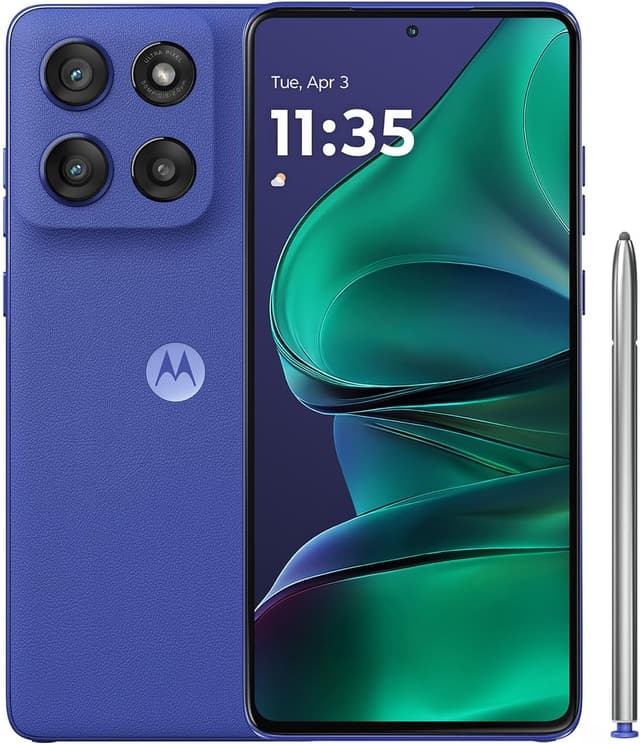
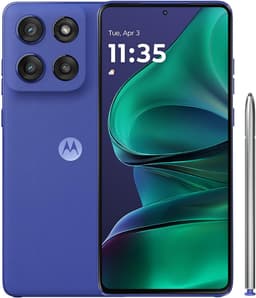
Budget productivity champion with built-in stylus at $349.99. 6.9" display, 256GB storage, and stylus pop-out menu. Productivity features typically costing $1,000+ at budget price, and $150 less than the 2026 model, whose upgraded active stylus doesn't justify the gap for note-taking.
Built-in stylus rare at price256GB storageIP68 + military durabilitySlower processorBasic cameras
Productivity is a different design goal than raw performance or camera quality, so the buying calculus here differs too. Start with multitasking: genuine split-screen and floating-window support, such as Samsung's DeX-style multi-window or a large-screen device's dedicated multitasking taskbar, lets you run a document and a browser side by side, while phones without it force constant tab-switching between full-screen apps, which slows down real work. Stylus and note-taking support is the next differentiator: a phone with a bundled, pressure-sensitive stylus and system-level handwriting-to-text conversion turns meetings and whiteboard sessions into searchable notes, while phones that only tolerate a generic capacitive stylus lose most of that value. Battery life needs to be judged against a full workday of screen-on use, not a marketing claim; look for independently tested screen-on-time figures, since a phone that dies by mid-afternoon on a video-call-heavy day is not a productivity phone no matter what else it does well. Desktop-mode-style ecosystem features, an interface that turns the phone into a windowed desktop when connected to a monitor and keyboard, matter most to buyers who want the phone to double as a travel laptop replacement; check which apps actually support the desktop layout, since many mobile apps still open as a stretched phone window rather than a true desktop app. Keyboard and accessory ecosystem depth is easy to overlook: a productivity phone with a first-party keyboard case, stylus holster, and desktop dock is a very different ownership experience from one where you are piecing together third-party accessories that were never designed for it. Storage tier and cost of ownership matter more here than on a typical phone, since business use accumulates documents, offline maps, and large attachments quickly; buying the base storage tier to save money upfront often costs more later, once a storage wall interrupts a project deadline. Software update windows are a real productivity cost too: a phone that stops receiving security patches after two or three years is a liability for anyone handling work email and confidential documents, so check the manufacturer's stated update commitment before buying, not just at purchase. The most common buying mistake in this category is over-indexing on camera specs, a habit carried over from shopping for a personal phone; a productivity buyer should instead weight multitasking software, stylus support, battery endurance, and update longevity far more heavily than megapixel counts or zoom range.
Productivity rankings evaluate stylus support, desktop modes, multitasking capabilities, AI assistance, and ecosystem integration for professional workflows.
Samsung S Pen has 4,096 pressure levels, Bluetooth remote features, and works with phone screen off. Apple Pencil is iPad-only (no iPhone support). Moto G Stylus is basic but functional for notes. S Pen does the most for phone productivity.
Is DeX a real laptop replacement?
For many workflows, yes. DeX provides full desktop interface with keyboard/mouse support, runs multiple windows, and handles Microsoft Office and Google Workspace well. Heavy development or video editing still need real laptops.