Top 5 Best Dash Cams for Uber & Rideshare Drivers 2026
The best dash cams for Uber, Lyft, and rideshare drivers, ranked on infrared cabin night vision, front-and-interior coverage, evidence features like cloud backup and parking mode, ease of install, and value.
Updated October 8, 20265 rankedNo paid placements
We may earn a commission when you buy through our links.
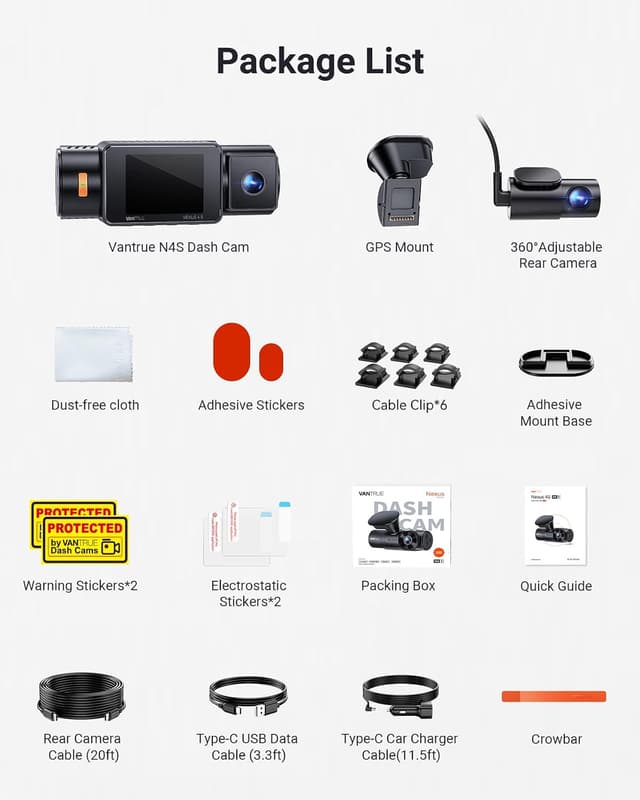
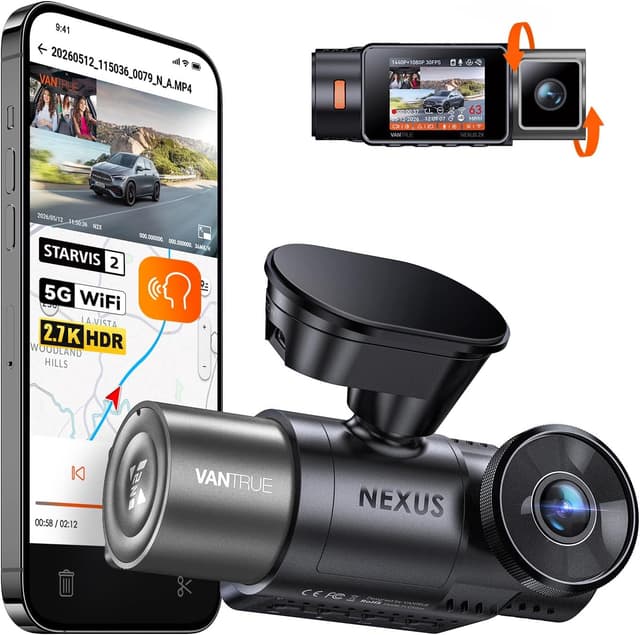
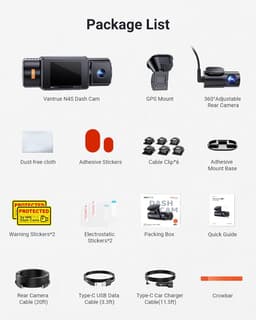
The most complete rideshare setup here: it records the road ahead in 2.7K, the cabin in 2.5K, and the road behind in 2.5K at once, all on triple Sony STARVIS 2 sensors, and its interior lens carries four infrared LEDs so passengers stay visible on night rides. The 2.5K cabin channel is the sharpest interior footage on this list, the detail that matters most when a rider's account of an incident is disputed. PlatePix processing keeps plates legible, and support for a microSD card up to 1TB covers a long shift before it loops. Its price and three-camera install are the only reasons to look elsewhere.
Records three channels at once (2.7K front, 2.5K interior, and 2.5K rear) on triple Sony STARVIS 2 sensorsSharpest cabin footage on this list: 2.5K interior with four infrared LEDs for night ridesPlatePix processing keeps license plates legible; 5GHz Wi-Fi and built-in GPSThe most expensive pick on this listThree-camera install and cable routing takes time
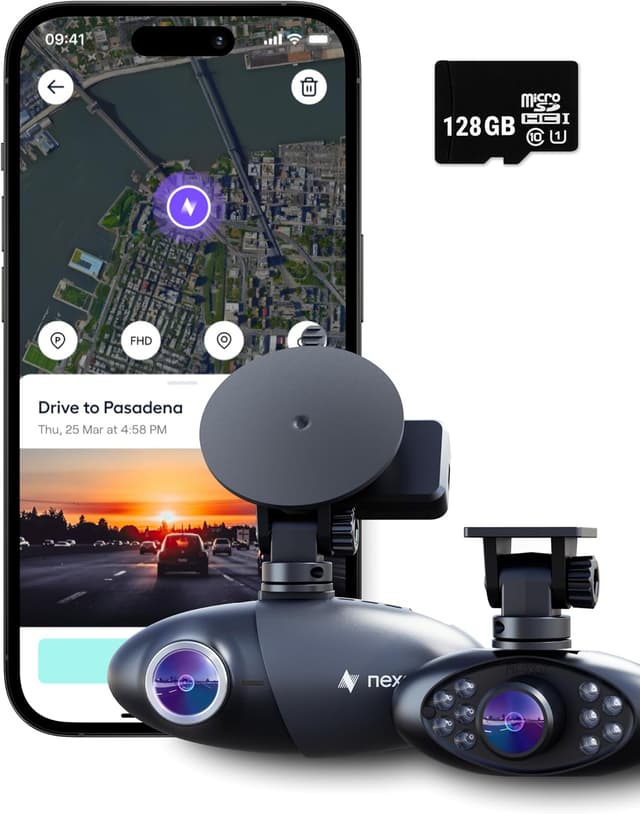
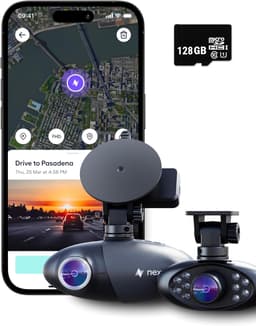
The pick for drivers who worry about losing their evidence, not just capturing it: every clip backs up to unlimited cloud storage through the Nexar app, so a passenger dispute is still documented even if the camera is stolen or the card is smashed, a real risk in a shared car. AI crash detection auto-saves incidents, and the compact 1080p front-and-cabin body installs in minutes. It ranks below the N4S because both channels are only 1080p and it has no rear camera, and because the cloud features carry a small subscription after the first year, but for evidence that survives anything, nothing here matches it.
Unlimited cloud backup keeps footage safe even if the camera or card is lost or damaged1080p front and 1080p infrared cabin cameras in a compact, discreet bodyAI crash detection auto-saves incidents; view and share clips from the phone app1080p resolution, lower than the 2.7K and 4K picks hereCloud features cost about $1.99/month after the first year
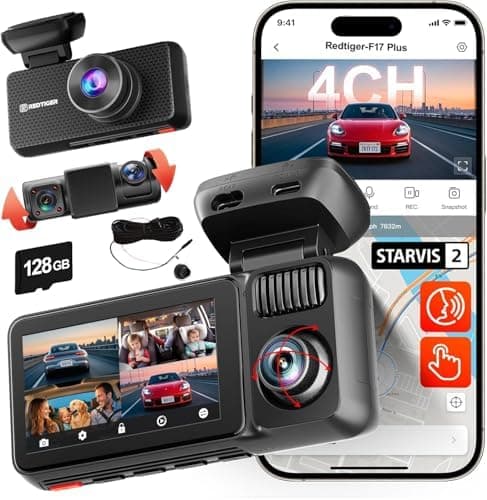
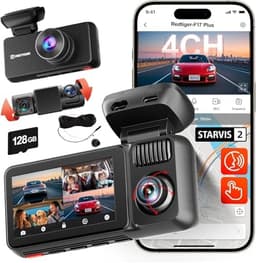
Marketed straight at rideshare drivers, the F17 Plus packs four channels (a 2.7K STARVIS 2 front camera plus 1080p interior, rear-cabin, and rear lenses) with dual infrared for the cabin, and includes a 128GB card, for around $220. That is more camera angles than anything above it for the money. It sits below the Nexar Pro because it has no cloud backup and its four-camera routing is the most involved install on the list, but for drivers who want to see every angle without paying premium prices, it is the smartest buy here.
Four channels (2.7K front plus 1080p interior, rear-cabin, and rear) for full coverageSony STARVIS 2 (IMX675) front sensor with dual infrared cabin night visionRideshare-focused design; includes a 128GB cardFront is 2.7K rather than true 4KFour-camera routing is the most involved install here
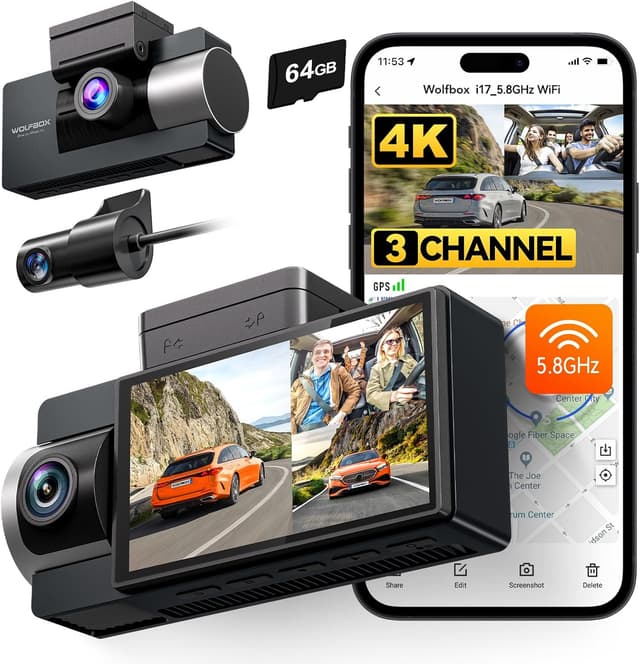
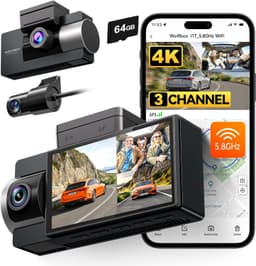
A genuine three-channel system, 4K front plus 1080p interior and 1080p rear, with four infrared cabin LEDs, at a budget price, with a 64GB card, GPS, 5.8GHz Wi-Fi, and a supercapacitor included. Its 4K front camera is actually the highest-resolution front lens on this list, and its rear camera gives it coverage the two-lens Vantrue N2X below it lacks. It ranks fourth because its interior and rear channels are 1080p rather than the N4S's 2.5K, and because WOLFBOX has less established long-term support than Vantrue or Nexar, but as a first rideshare dash cam or a tight-budget pick, the value is hard to argue with.
Highest-resolution front camera here (true 4K) at a budget priceThree channels (4K front, 1080p interior, 1080p rear) with four cabin IR LEDsBuilt-in GPS, 5.8GHz Wi-Fi, and a 64GB card includedInterior and rear are 1080p, not the 2.5K of the Vantrue N4SSmaller brand with less established long-term support than Vantrue or Nexar
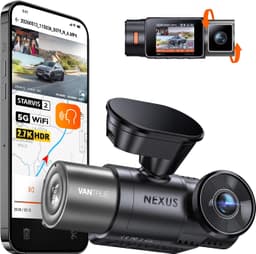
The successor to Vantrue's long-running N2 Pro rideshare favorite keeps the small, discreet two-lens format but modernizes it: the road ahead is recorded in 2.7K on a Sony STARVIS 2 sensor, the cabin in 1080p through a 165-degree, rotatable lens with four infrared LEDs, and it adds the built-in 5GHz Wi-Fi, GPS, and voice control the N2 Pro lacked. It ranks last because, like the Nexar Pro, it has no rear camera, but unlike the Nexar it has no built-in cloud backup, and PCWorld found its cabin footage somewhat grainy at night. Choose it if you want a compact front-and-cabin camera with no rear wiring from a brand with a long track record.
2.7K (1944p) front recording on a Sony STARVIS 2 (IMX675) sensor with dual HDR; 1440p at 60fps optional1080p cabin lens with four infrared LEDs, a 165-degree view, and 45 degrees of rotationBuilt-in 5GHz Wi-Fi, GPS logging, and multi-language voice controlTwo channels only, no rear-facing cameraCabin footage is somewhat grainy at night, per PCWorld's review
For an Uber or Lyft driver, the single most important feature is the one most car buyers skip: an interior camera that can see the cabin in the dark. The incidents that actually threaten a rideshare driver almost always involve passengers (a fare dispute, an accusation of unsafe driving, a damaged-vehicle claim, or a false report filed through the app), and only a cabin-facing lens documents them. Because rideshare driving peaks at night, that interior lens has to have infrared LEDs; without them the cabin is a black rectangle after sunset, exactly when clear footage matters most. Every camera on this list has an infrared cabin lens for that reason. After the interior camera, decide how many channels you need. A two-channel front-and-cabin unit like the Vantrue N2X or the Nexar Pro keeps the install small and discreet and covers the two views that matter most: the road ahead and the passengers. A three-channel unit such as the Vantrue N4S or WOLFBOX i17 adds a rear camera for collision and tailgating evidence, and a four-channel system like the REDTIGER F17 Plus layers in a second rear-cabin angle. More channels mean more coverage but a longer install and more cable routing. Resolution matters, but rank it below coverage: a 2.7K or 4K front camera keeps license plates legible, while 1080p is plenty for a clear cabin view. Think about where footage lives, too. Most cameras loop over a microSD card, so buy enough capacity for a full shift; the Nexar Pro instead backs clips up to unlimited cloud storage, which survives even if the camera is stolen or smashed, a genuine advantage in a dispute. Finally, plan for parking mode and audio. Parking mode records while you wait between fares but needs a hardwire kit for constant power. And because dash cams record passenger audio, check your state's consent law along with Uber's and Lyft's in-app disclosure rules: several states require you to tell riders they are being recorded.
Rankings reflect published manufacturer specifications and aggregated independent reviews from outlets including TechRadar, PCWorld, The Rideshare Guy, and specialist dash-cam sites, cross-checked against current Amazon listings for pricing, ASIN, and availability. We score and compare these dash cams based on published specifications, independent expert reviews, and verified owner feedback; we do not independently bench-test hardware.
Video Quality
Front resolution, sensor, and daytime clarity
25%
Interior & Night Vision
Cabin camera resolution and infrared performance for night rides
25%
Features
Cloud backup, app, GPS, parking mode, and channel count
20%
Ease of Use
Install effort, discreetness, and app or screen usability
For rideshare, the interior camera is the most important lens, not an optional extra. The disputes that actually threaten a driver, a fare or damage claim, an accusation of unsafe driving, or a false report through the app, almost always involve passengers, and only a cabin-facing camera documents them. Every pick on this list has an interior lens with infrared LEDs so the cabin stays visible at night, which is when most rideshare driving happens.
Are dash cams allowed by Uber and Lyft, and do I have to tell passengers?
Both Uber and Lyft permit drivers to use dash cams, including interior-facing ones, as long as the driver follows local law. The catch is audio and consent: several U.S. states have two-party (all-party) consent laws for recording conversations, so you may be legally required to inform riders they are being recorded. A visible sticker in the cabin and the disclosure options in the Uber and Lyft driver apps are the standard way to handle this. Check your own state's law before relying on cabin audio.
Should I get a cloud dash cam or one that records to a card?
Most cameras here loop footage onto a microSD card, which is simple and has no ongoing cost: just buy enough capacity for a full shift. The Nexar Pro instead backs clips up to unlimited cloud storage, so your evidence survives even if the camera is stolen or destroyed in a crash. If you mainly worry about losing the device or want to review clips remotely, cloud is worth the small subscription; if you just want a record and no monthly fee, a high-capacity card is fine.
Will these record while I wait for rides with the car off?
All five offer a parking mode that keeps recording or captures event clips when the engine is off, which is useful while you wait between fares. Parking mode needs constant power, though, so it requires a hardwire kit connected to the fuse box rather than the cigarette-lighter adapter. The bundled adapter only powers the camera while the car is running.