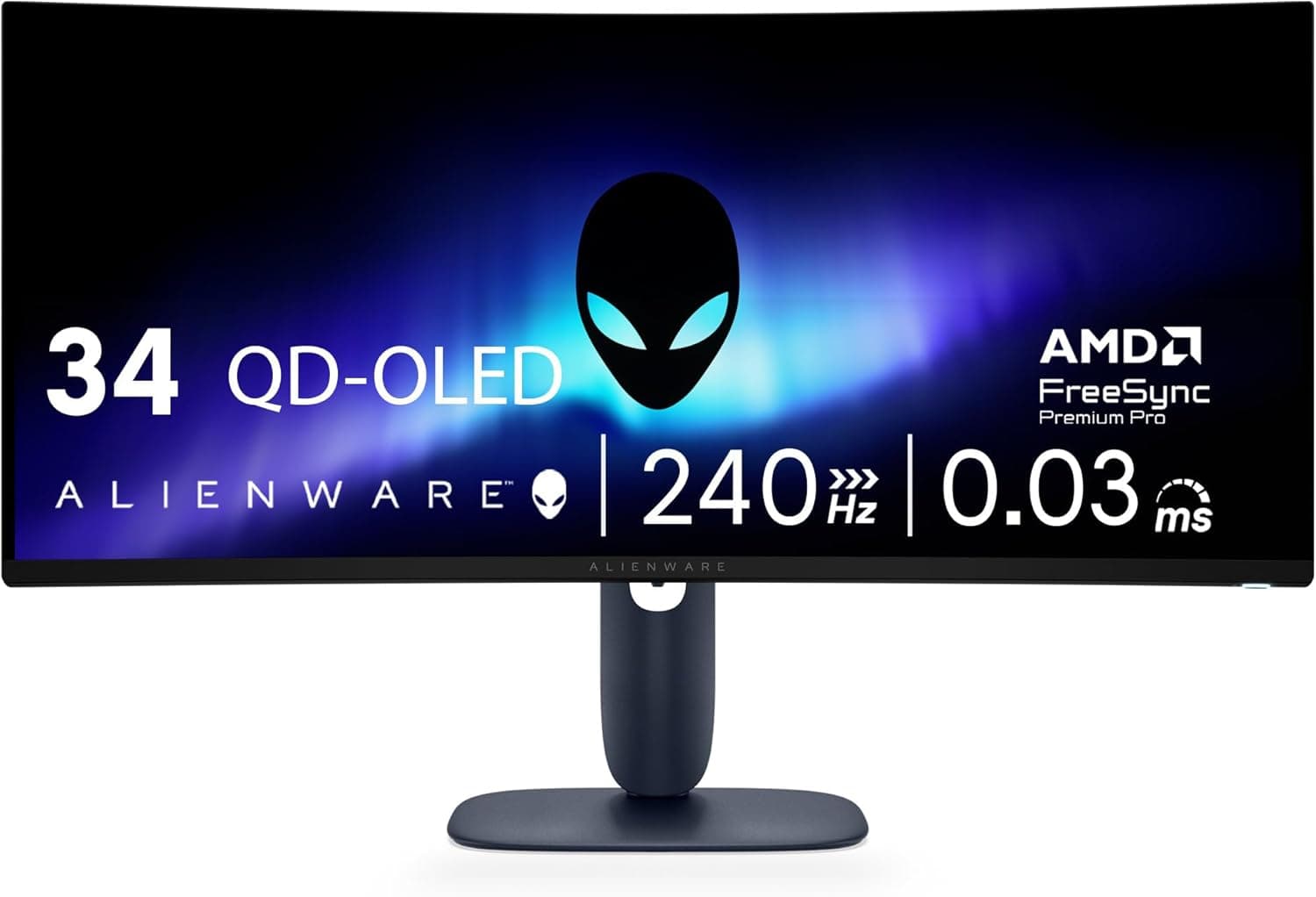
Alienware AW3425DW
Alienware's 34" ultrawide pairs a 3440x1440 QD-OLED panel with a 240Hz refresh rate, a 0.03ms GtG response, a gentle 1800R curve and VESA DisplayHDR True Black 400 certification. It succeeds the 165Hz AW3423DWF with a faster panel, two HDMI 2.1 inputs and both FreeSync Premium Pro and G-Sync Compatible certification. PCGamesN scores it 9/10 and highlights much sharper text than early QD-OLED monitors, while RTINGS reports near-instantaneous response times but notes that blacks take on a purple tint in a bright room.
We may earn a commission when you buy through our links.
Our Verdict
A generation newer than the AW3423DWF below it: the same 34" 3440x1440 QD-OLED format with an 1800R curve, but at 240Hz instead of 165Hz with a 0.03ms response, plus two HDMI 2.1 inputs and both FreeSync Premium Pro and G-Sync Compatible certification. PCGamesN scores it 9/10 and singles out text far sharper than early QD-OLED panels, and RTINGS reports near-instantaneous response times at any refresh rate. It sits below the 45" LG on sheer size and immersion and costs more than the AW3423DWF, and it has no USB-C video input or KVM switch; in a bright room its blacks take on a purple tint.
Score Breakdown
Pros & Cons
Pros
- •34" QD-OLED at 3440x1440 and 240Hz
- •0.03ms GtG response with near-instantaneous transitions at any refresh rate (RTINGS)
- •DisplayHDR True Black 400 with a rated 1,000-nit peak in small highlights
- •FreeSync Premium Pro and G-Sync Compatible certified
- •Two HDMI 2.1 inputs plus DisplayPort 1.4 with DSC
Cons
- •Blacks look purplish and glare is hard to control in a bright room
- •Full-screen SDR brightness of about 250 nits trails LCD monitors
- •No USB-C video input, KVM switch or built-in speakers
- •OLED burn-in risk with long hours of static content
Specifications
| Screen Size | 34.2" 21:9, 1800R curve |
| Resolution | 3440x1440 |
| Refresh Rate | 240Hz |
| Panel | QD-OLED |
| Response Time | 0.03ms GtG |
| HDR | DisplayHDR True Black 400 |
| Adaptive Sync | FreeSync Premium Pro, G-Sync Compatible |
| Inputs | 1x DisplayPort 1.4 (DSC), 2x HDMI 2.1 |
| Stand | Height / tilt / swivel |
Quick Answers
What is the screen size of the Alienware AW3425DW?
Alienware AW3425DW screen size: 34.2" 21:9, 1800R curve.
What is the resolution of the Alienware AW3425DW?
Alienware AW3425DW resolution: 3440x1440.
What is the refresh rate of the Alienware AW3425DW?
Alienware AW3425DW refresh rate: 240Hz.
What is the panel of the Alienware AW3425DW?
Alienware AW3425DW panel: QD-OLED.
What is the response time of the Alienware AW3425DW?
Alienware AW3425DW response time: 0.03ms GtG.
What is the HDR of the Alienware AW3425DW?
Alienware AW3425DW HDR: DisplayHDR True Black 400.
What is the adaptive sync of the Alienware AW3425DW?
Alienware AW3425DW adaptive sync: FreeSync Premium Pro, G-Sync Compatible.
What is the inputs of the Alienware AW3425DW?
Alienware AW3425DW inputs: 1x DisplayPort 1.4 (DSC), 2x HDMI 2.1.
Who is the Alienware AW3425DW for?
It suits single-player and sim gamers who want fast OLED motion, upgraders from a 165-175Hz QD-OLED ultrawide, setups that need two HDMI 2.1 inputs for a PC and a console. It is not the right pick for bright, sunlit rooms, buyers who need USB-C laptop charging or a KVM switch, long hours of static desktop work.
Is the Alienware AW3425DW worth buying?
Alienware's 34" ultrawide pairs a 3440x1440 QD-OLED panel with a 240Hz refresh rate, a 0.03ms GtG response, a gentle 1800R curve and VESA DisplayHDR True Black 400 certification. It succeeds the 165Hz AW3423DWF with a faster panel, two HDMI 2.1 inputs and both FreeSync Premium Pro and G-Sync Compatible certification. PCGamesN scores it 9/10 and highlights much sharper text than early QD-OLED monitors, while RTINGS reports near-instantaneous response times but notes that blacks take on a purple tint in a bright room. It ranks #3 in our Top 5 Ultrawide Gaming Monitors. A generation newer than the AW3423DWF below it: the same 34" 3440x1440 QD-OLED format with an 1800R curve, but at 240Hz instead of 165Hz with a 0.03ms response, plus two HDMI 2.1 inputs and both FreeSync Premium Pro and G-Sync Compatible certification. PCGamesN scores it 9/10 and singles out text far sharper than early QD-OLED panels, and RTINGS reports near-instantaneous response times at any refresh rate. It sits below the 45" LG on sheer size and immersion and costs more than the AW3423DWF, and it has no USB-C video input or KVM switch; in a bright room its blacks take on a purple tint.
Who Is This For?
Best For
- Single-player and sim gamers who want fast OLED motion
- Upgraders from a 165-175Hz QD-OLED ultrawide
- Setups that need two HDMI 2.1 inputs for a PC and a console
Not For
- Bright, sunlit rooms
- Buyers who need USB-C laptop charging or a KVM switch
- Long hours of static desktop work
Where to Buy
Appears In
Compare Head-to-Head
Customer Reviews
Alternatives to Consider
Samsung Odyssey OLED G9 G95SC
Samsung
Samsung's 49" QD-OLED super-ultrawide delivers 32:9 immersion at 5120x1440 with 240Hz refresh and built-in smart TV apps. The G95SC listing is no longer available on Amazon US, so this ranking now carries the Odyssey OLED G9 G93SC, which uses the same panel without the smart TV features.
Samsung Odyssey OLED G9 G93SC
Samsung
The same 49" 5120x1440, 240Hz QD-OLED panel as the Odyssey OLED G9 G95SC it replaces in this ranking, without Samsung's smart TV platform: there are no built-in streaming apps and no remote. Its 32:9 canvas equals two 27" 1440p screens side by side, with a 0.03ms response time, 1800R curve and DisplayHDR True Black 400. T3's review calls the picture fantastic for games and lists the missing smart TV software as the main difference from the G95SC.
LG UltraGear 45GR95QE-B
LG
OLED ultrawide perfection. LG's 45" curved WOLED delivers 21:9 immersion at 3440x1440 with 240Hz, the sweet spot of ultrawide gaming with incredible contrast.
Alienware AW3423DWF
Alienware
QD-OLED ultrawide value. Alienware's AW3423DWF brings Samsung's QD-OLED panel to 34" ultrawide at a more accessible price point with 165Hz and AMD FreeSync Premium Pro.