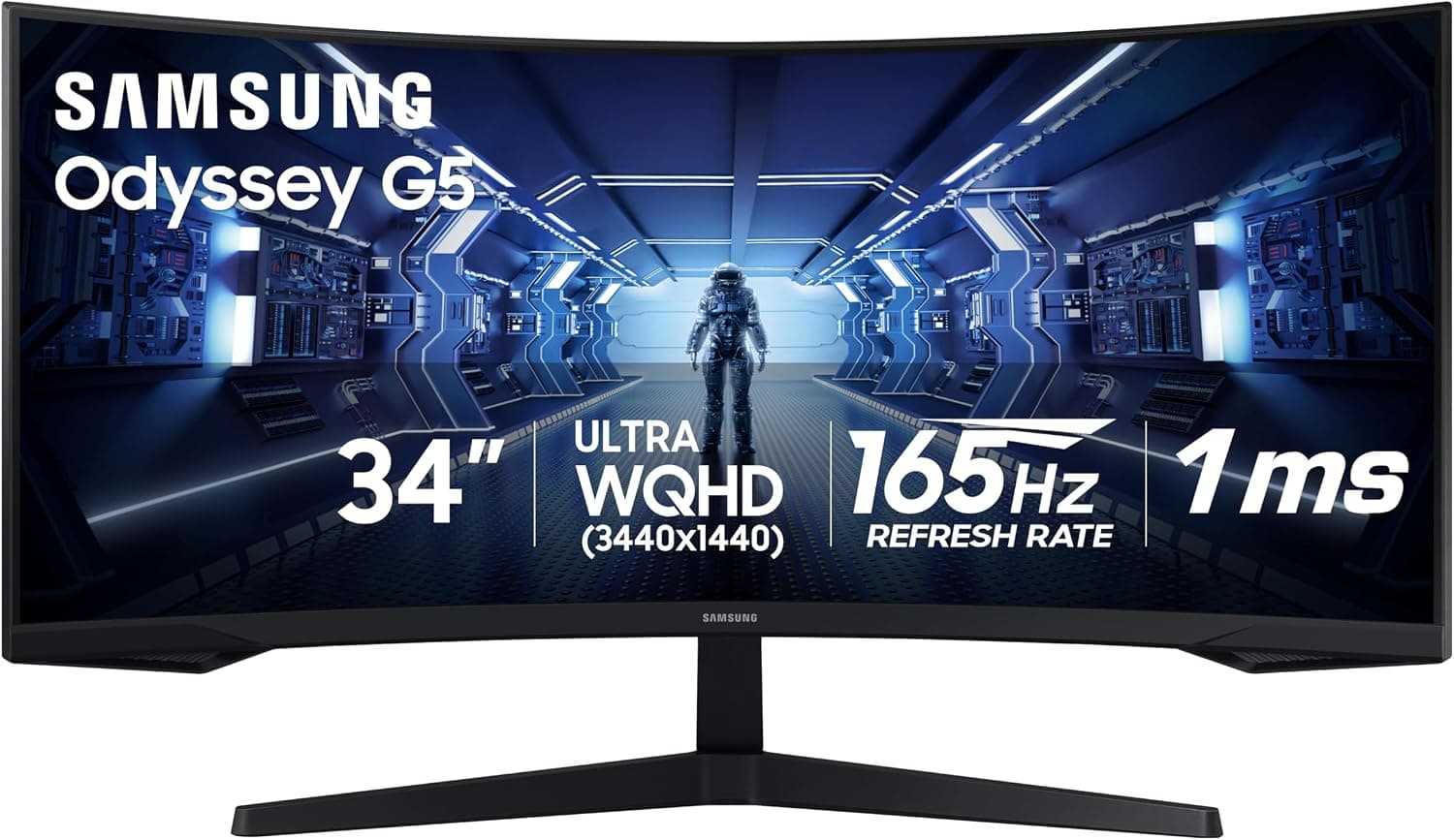
Samsung Odyssey G5 34" (C34G55T)
Samsung's 34" Odyssey G5 puts a 3440x1440 VA panel on an aggressive 1000R curve with a 165Hz refresh rate, a 1ms MPRT response and AMD FreeSync Premium. Its roughly 2,500:1 native contrast gives deeper blacks than IPS ultrawides in its class, and RTINGS and Display Ninja both report low input lag. The trade-offs are a tilt-only stand, sRGB-only color, HDR10 support that adds little, and the dark-scene smearing typical of VA panels.
We may earn a commission when you buy through our links.
Our Verdict
The entry point to 34" ultrawide gaming: a 3440x1440 VA panel at 165Hz on a deep 1000R curve, with roughly 2,500:1 native contrast, for a fraction of the price of every OLED above it. RTINGS credits it with low input lag and excellent native contrast for dark-room play. Against the OLED picks it gives up speed (VA smearing in dark scenes), HDR and color range, and its tilt-only stand and 100Hz cap over HDMI are the clearest corners cut to reach its price.
Score Breakdown
Pros & Cons
Pros
- •3440x1440 at 165Hz for a fraction of OLED ultrawide prices
- •Aggressive 1000R curve for immersion
- •High native VA contrast (about 2,500:1) for deep blacks
- •FreeSync Premium with low input lag (about 4ms per Display Ninja)
Cons
- •Tilt-only stand with no height adjustment
- •Smearing behind fast objects in dark scenes, typical of VA
- •HDMI 2.0 tops out at 100Hz at full resolution and FreeSync works over DisplayPort only
- •sRGB-only color and HDR10 that adds little
Specifications
| Screen Size | 34" 21:9, 1000R curve |
| Resolution | 3440x1440 |
| Refresh Rate | 165Hz |
| Panel | VA |
| Response Time | 1ms MPRT |
| HDR | HDR10 |
| Adaptive Sync | FreeSync Premium (DisplayPort) |
| Inputs | 1x DisplayPort 1.4, 1x HDMI 2.0 (100Hz max) |
| Stand | Tilt only |
| Contrast | 2,500:1 static |
Quick Answers
What is the screen size of the Samsung Odyssey G5 34" (C34G55T)?
Samsung Odyssey G5 34" (C34G55T) screen size: 34" 21:9, 1000R curve.
What is the resolution of the Samsung Odyssey G5 34" (C34G55T)?
Samsung Odyssey G5 34" (C34G55T) resolution: 3440x1440.
What is the refresh rate of the Samsung Odyssey G5 34" (C34G55T)?
Samsung Odyssey G5 34" (C34G55T) refresh rate: 165Hz.
What is the panel of the Samsung Odyssey G5 34" (C34G55T)?
Samsung Odyssey G5 34" (C34G55T) panel: VA.
What is the response time of the Samsung Odyssey G5 34" (C34G55T)?
Samsung Odyssey G5 34" (C34G55T) response time: 1ms MPRT.
What is the HDR of the Samsung Odyssey G5 34" (C34G55T)?
Samsung Odyssey G5 34" (C34G55T) HDR: HDR10.
What is the adaptive sync of the Samsung Odyssey G5 34" (C34G55T)?
Samsung Odyssey G5 34" (C34G55T) adaptive sync: FreeSync Premium (DisplayPort).
What is the inputs of the Samsung Odyssey G5 34" (C34G55T)?
Samsung Odyssey G5 34" (C34G55T) inputs: 1x DisplayPort 1.4, 1x HDMI 2.0 (100Hz max).
Who is the Samsung Odyssey G5 34" (C34G55T) for?
It suits first-time ultrawide buyers on a budget, dark-room gaming that benefits from VA contrast, productivity users who want dual-monitor width on one screen. It is not the right pick for fast competitive shooters sensitive to smearing, users who need height adjustment, hDR and wide-gamut color work.
Is the Samsung Odyssey G5 34" (C34G55T) worth buying?
Samsung's 34" Odyssey G5 puts a 3440x1440 VA panel on an aggressive 1000R curve with a 165Hz refresh rate, a 1ms MPRT response and AMD FreeSync Premium. Its roughly 2,500:1 native contrast gives deeper blacks than IPS ultrawides in its class, and RTINGS and Display Ninja both report low input lag. The trade-offs are a tilt-only stand, sRGB-only color, HDR10 support that adds little, and the dark-scene smearing typical of VA panels. It ranks #5 in our Top 5 Ultrawide Gaming Monitors. The entry point to 34" ultrawide gaming: a 3440x1440 VA panel at 165Hz on a deep 1000R curve, with roughly 2,500:1 native contrast, for a fraction of the price of every OLED above it. RTINGS credits it with low input lag and excellent native contrast for dark-room play. Against the OLED picks it gives up speed (VA smearing in dark scenes), HDR and color range, and its tilt-only stand and 100Hz cap over HDMI are the clearest corners cut to reach its price.
Who Is This For?
Best For
- First-time ultrawide buyers on a budget
- Dark-room gaming that benefits from VA contrast
- Productivity users who want dual-monitor width on one screen
Not For
- Fast competitive shooters sensitive to smearing
- Users who need height adjustment
- HDR and wide-gamut color work
Where to Buy
Appears In
Compare Head-to-Head
Customer Reviews
Alternatives to Consider
Samsung Odyssey OLED G9 G95SC
Samsung
Samsung's 49" QD-OLED super-ultrawide delivers 32:9 immersion at 5120x1440 with 240Hz refresh and built-in smart TV apps. The G95SC listing is no longer available on Amazon US, so this ranking now carries the Odyssey OLED G9 G93SC, which uses the same panel without the smart TV features.
Samsung Odyssey OLED G9 G93SC
Samsung
The same 49" 5120x1440, 240Hz QD-OLED panel as the Odyssey OLED G9 G95SC it replaces in this ranking, without Samsung's smart TV platform: there are no built-in streaming apps and no remote. Its 32:9 canvas equals two 27" 1440p screens side by side, with a 0.03ms response time, 1800R curve and DisplayHDR True Black 400. T3's review calls the picture fantastic for games and lists the missing smart TV software as the main difference from the G95SC.
LG UltraGear 45GR95QE-B
LG
OLED ultrawide perfection. LG's 45" curved WOLED delivers 21:9 immersion at 3440x1440 with 240Hz, the sweet spot of ultrawide gaming with incredible contrast.
Alienware AW3423DWF
Alienware
QD-OLED ultrawide value. Alienware's AW3423DWF brings Samsung's QD-OLED panel to 34" ultrawide at a more accessible price point with 165Hz and AMD FreeSync Premium Pro.