Top 5 Best Capture Cards 2026

Game capture devices for streaming and recording.

Last updated: April 1, 20265 products tested

Our Top Picks

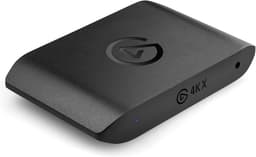
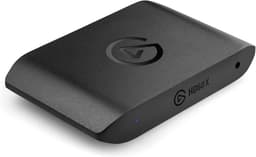
Best OverallElgato 4K X - Top 5 Capture Cards

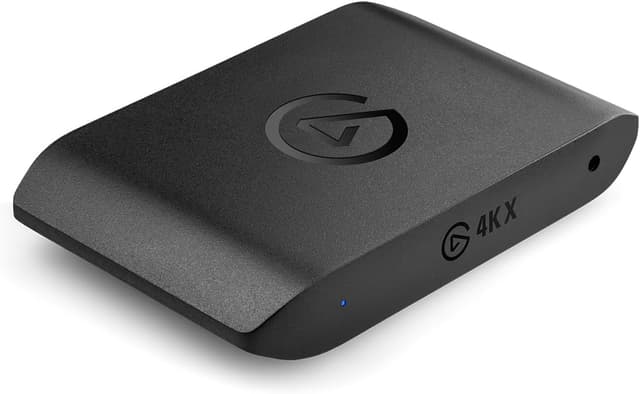
Elgato 4K X

Elgato

View details →
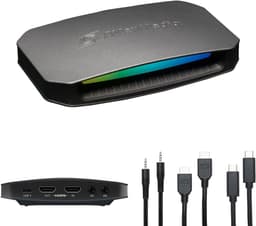
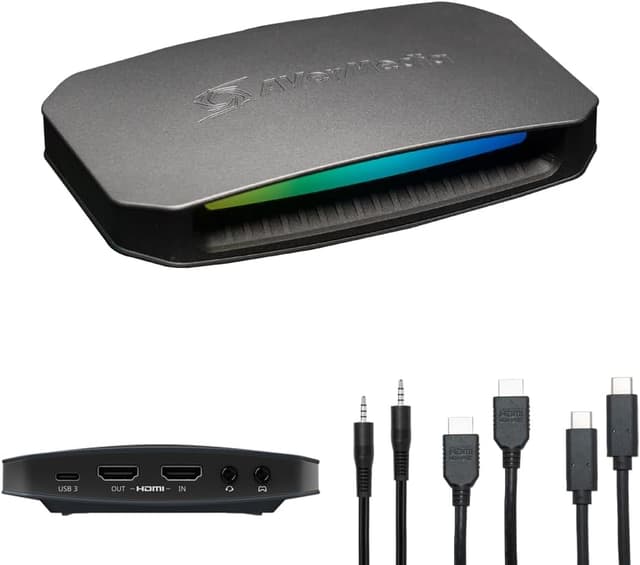
Best ValueAVerMedia Live Gamer Ultra 2.1 - Top 5 Capture Cards

AVerMedia Live Gamer Ultra 2.1

AVerMedia

View details →
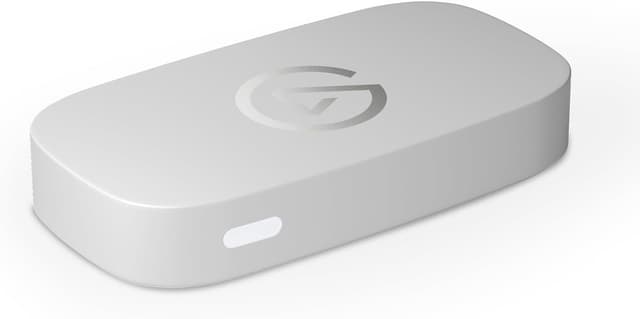
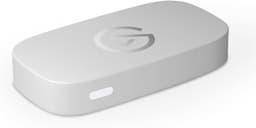
Best BudgetElgato Game Capture Neo - Top 5 Capture Cards

Elgato Game Capture Neo

Elgato

View details →

Full Rankings

#1
Elgato 4K X - Ranked #1 Capture Cards

Elgato 4K X

Best Overall

The only external capture card with true 4K144 HDR10 capture and passthrough via HDMI 2.1. Handles the full output of PS5 Pro and Xbox Series X without compromise. VRR passthrough, USB 3.2 Gen 2, and the Elgato software ecosystem make it the undisputed best capture card available.

Pros

  • 4K144 HDR10 capture and passthrough via HDMI 2.1
  • VRR and ALLM passthrough for tear-free gaming
  • Works with PC, Mac, and iPad

Cons

  • Premium price at $249
  • Requires USB 3.2 Gen 2 for full performance
  • No standalone recording to SD card
#2
AVerMedia Live Gamer Ultra 2.1 - Ranked #2 Capture Cards

AVerMedia Live Gamer Ultra 2.1

Best Value

Matches the Elgato 4K X on HDMI 2.1 specs at a lower price, and adds 5.1 surround capture, a headset jack for party chat, and ultrawide support. The most feature-rich external capture card dollar-for-dollar.

Pros

  • 4K144 HDR/VRR passthrough with HDMI 2.1
  • 5.1 multi-channel surround sound capture
  • Built-in headset jack for party chat

Cons

  • 4K144 capture requires high-end PC
  • macOS limited to 4K60 capture
  • Software less polished than Elgato's
#3
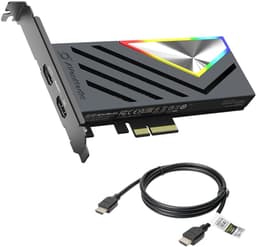
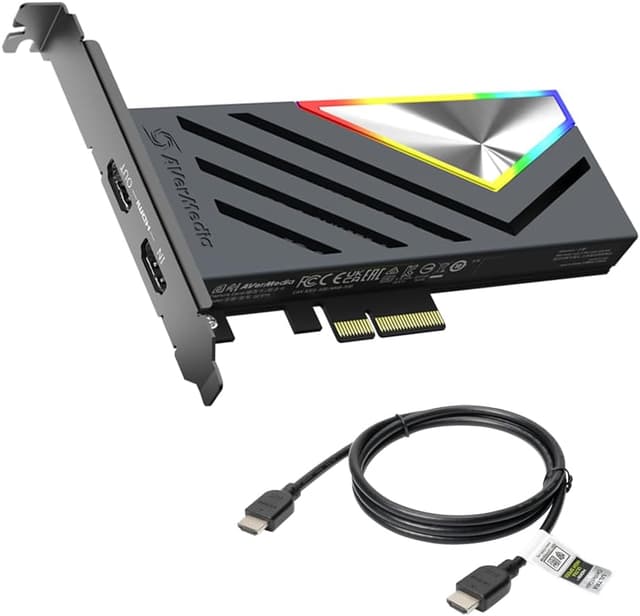
AVerMedia Live Gamer 4K 2.1 - Ranked #3 Capture Cards

AVerMedia Live Gamer 4K 2.1

The best internal capture card for dual-PC setups. Its PCIe Gen 3 x4 connection eliminates USB bandwidth concerns entirely, with HDMI 2.1 passthrough up to 4K144 HDR/VRR. The lowest latency option for professional streaming configurations.

Pros

  • PCIe connection eliminates USB bandwidth bottleneck
  • 4K144 HDR/VRR passthrough with HDMI 2.1
  • 5.1 surround sound capture

Cons

  • Requires desktop PC with PCIe x4 slot
  • Not portable — internal only
  • Windows only (no macOS)
#4
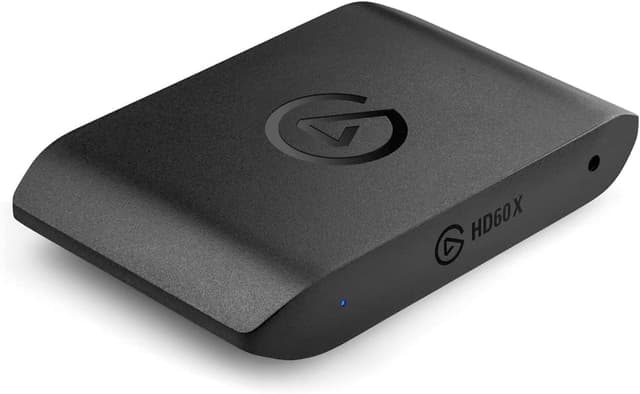
Elgato HD60 X - Ranked #4 Capture Cards

Elgato HD60 X

The reliable mid-range workhorse. Hardware HEVC encoding, Flashback Recording, and 4K60 HDR passthrough at $179 make it the sweet spot for streamers who don't need 4K capture. Proven by thousands of streamers over years of use.

Pros

  • Hardware HEVC encoding reduces CPU load
  • Flashback Recording caches gameplay automatically
  • 4K60 HDR10 passthrough for lag-free gaming

Cons

  • Max capture limited to 1080p60 or 4K30
  • No HDMI 2.1 (HDMI 2.0 only)
  • No 4K60 capture
#5
Elgato Game Capture Neo - Ranked #5 Capture Cards

Elgato Game Capture Neo

Best Budget

The simplest way to start streaming console gameplay. True plug-and-play with no drivers, 4K60 HDR passthrough, and cross-platform compatibility at $129. The most accessible capture card for beginners who want to go live with minimal setup.

Pros

  • True plug-and-play, no drivers needed
  • 4K60 HDR passthrough for lag-free gaming
  • Works with PC, Mac, and iPad

Cons

  • Max capture limited to 1080p60
  • No HDMI 2.1
  • No VRR passthrough

Score Comparison

Product
Capture Quality
35%
Passthrough
25%
Compatibility
20%
Build Quality
10%
Value
10%
Weighted
Score
Price
#1Elgato 4K X
10109979.40$200
#2AVerMedia Live Gamer Ultra 2.1
10108889.20$209
#3AVerMedia Live Gamer 4K 2.1
10106978.80$229
#4Elgato HD60 X
789998.05$120
#5Elgato Game Capture Neo
6797107.35$115

Buying Guide

Capture cards let you stream console gameplay or use cameras as webcams. Consider passthrough quality (4K60 HDR), capture resolution, and whether internal PCIe or external USB fits your setup.

What We Evaluate

35%

Capture Quality

Resolution and frame rate

25%

Passthrough

Zero-lag gameplay

20%

Compatibility

Software and platform

10%

Build Quality

Construction

10%

Value

Features per dollar

Our Testing Methodology

We evaluated capture cards across capture quality (max resolution and frame rate), passthrough performance (lag-free gaming, HDR/VRR support), compatibility (OS support, software ecosystem, connection type), build quality, and value per dollar. Testing included OBS streaming sessions with PS5, Xbox Series X, and PC at various resolutions.

Learn more about how we test →

Frequently Asked Questions

Do I need a capture card to stream PC games?
No — if you're streaming from the same PC you're gaming on, OBS or Streamlabs can capture your screen directly. Capture cards are primarily for console streaming (PS5, Xbox, Switch) or dual-PC setups where one PC games and another handles the stream encoding.
What's the difference between capture and passthrough resolution?
Passthrough is what you see on your monitor while playing — it should match your display's native resolution with no lag. Capture is what gets recorded/streamed. You can passthrough at 4K144 for your gaming experience while capturing at 1080p60 for Twitch, which only supports up to 1080p for most streamers.
Internal PCIe vs external USB capture card — which is better?
External USB cards are more versatile — they work with laptops, are portable, and easier to set up. Internal PCIe cards offer lower latency and eliminate USB bandwidth concerns, but require a desktop PC. For most streamers, external USB 3.2 Gen 2 cards like the Elgato 4K X are the better choice.

Related Comparisons